100+ Framer Plugins (2026): Best Tools & Real Examples
Explore 100+ Framer plugins with real examples. Discover the best tools for AI, CMS, SEO, and design workflows to build faster and smarter.
In the early days of design tools, building a website often meant working within strict limitations. You had a fixed set of features, predefined components, and very little flexibility beyond what the platform allowed. While this approach worked, it often slowed down creativity and made workflows feel rigid.
As design tools evolved, so did expectations. Modern platforms like Framer are no longer just builders - they are ecosystems. Designers today want speed, flexibility, and the ability to extend their tools based on their workflow, not the other way around.
This is where Framer plugins come in.
Framer plugins transform the editor from a powerful tool into a customizable environment. Instead of switching between multiple apps for images, data, SEO, or animations, designers can bring everything directly into their workflow. The result is a smoother, faster, and more intuitive way to build modern websites.
From AI-powered design assistance to CMS integrations and performance optimization, plugins quietly enhance how you work without adding complexity. They sit in the background, removing friction and enabling better decisions.
This shift reflects a broader direction in design - tools should adapt to designers, not limit them.
In this guide, we’ll explore how Framer plugins fit into that vision, breaking down categories, real use cases, and the best tools you can start using today.
What Are Framer Plugins - And Why Do They Matter?
Framer has evolved from a prototyping tool into one of the most powerful no-code website builders on the market. But what truly sets Framer apart from its competitors is its thriving plugin ecosystem. Framer plugins are add-ons that extend the default capabilities of the Framer editor - letting designers and developers do more, faster, without writing a single line of code.
Whether you want to pull in AI-generated images, sync content from a Google Sheet, build a checkout flow, or optimize your site for search engines, there is a Framer plugin for it. The Framer Marketplace hosts hundreds of plugins across ten distinct categories, making it the go-to destination for anyone who wants to supercharge their Framer workflow.
In this comprehensive guide, we break down all ten official Framer plugin categories, highlight the top plugins in each, and explain exactly what they do - so you can find the right tool for your next project.
Categories with Real Examples
Framer plugins are organized into different categories, each designed to solve a specific part of the workflow. From generating visuals and managing content to improving SEO and building interfaces, every category serves a clear purpose.
Understanding these categories makes it easier to choose the right tools instead of randomly installing plugins. It helps you focus on what actually improves your process.
Below, we break down each category with real examples, so you can see how these plugins work in practical scenarios.
AI Framer Plugins - Build Smarter, Design Faster
Artificial intelligence has changed the way designers work, and Framer's AI plugin category brings that power directly into your canvas. From generating custom components to creating royalty-free images and writing alt text automatically, these Framer plugins save hours of manual work every week.
Workshop framer plugin
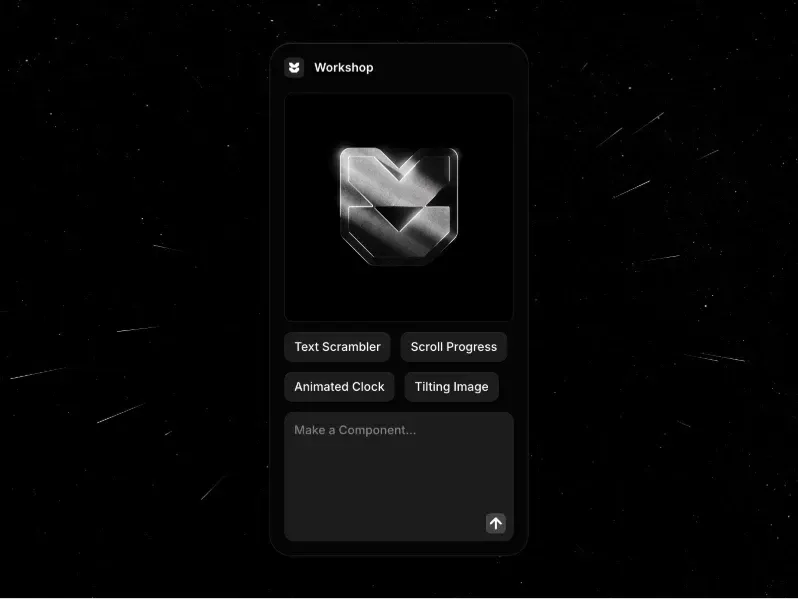
Workshop is Framer’s official AI-powered assistant plugin and one of the platform’s most popular tools, trusted by over 120K users.
Let's you describe components in plain language
Can generate:
Pricing calculators
Cookie banners
Multi-step forms
Instantly creates fully functional components in real time
No coding required
Powered by advanced AI models
Continuously improves with updates
A must-have plugin for any Framer user
Lummi

Lummi is an AI-powered image library designed to help designers quickly find and use high-quality visuals.
Provides access to:
Photos
Illustrations
3D renders
All visuals are original, not overused stock images
Used by 37K+ designers
Features a smart AI search that understands context
Helps you find the right image faster
Many assets are customizable to match your brand
Great for creating unique and modern visuals
FrameGen
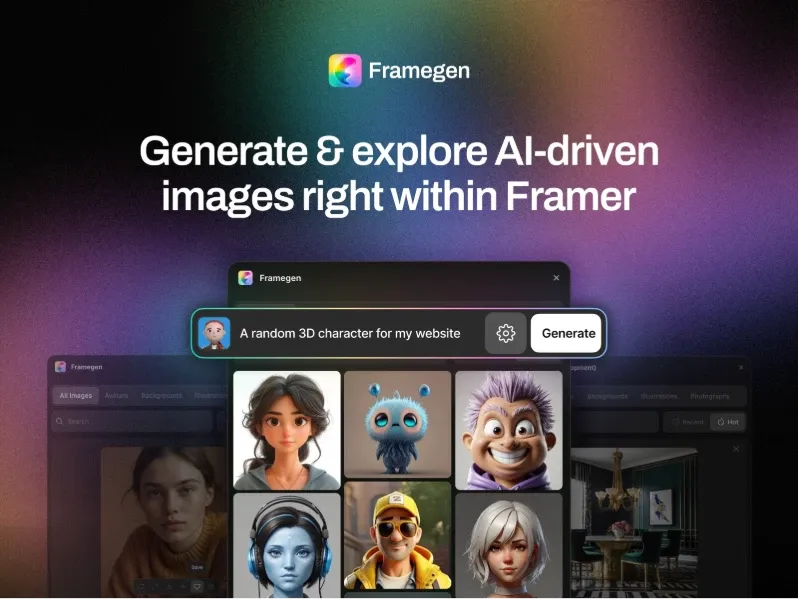
FrameGen enables text-to-image generation directly inside Framer, allowing you to simply describe a scene or idea in words and turn it into visuals instantly.
Simply describe a scene or visual idea in words
Instantly generates custom images for your design
Works directly within the Framer editor
Ideal for:
Mockups
Hero sections
Concept visuals
Eliminates the need for external image tools
Speeds up creative exploration and iteration
Photobase

Photobase is an AI-assisted photo management plugin that helps you efficiently organize and manage your images.
Allows quick search and discovery of assets
Insert images directly into your Framer projects
Works entirely within the Framer editor
Eliminates the need to switch between tools
Improves workflow speed and asset management
Efex Image Editor
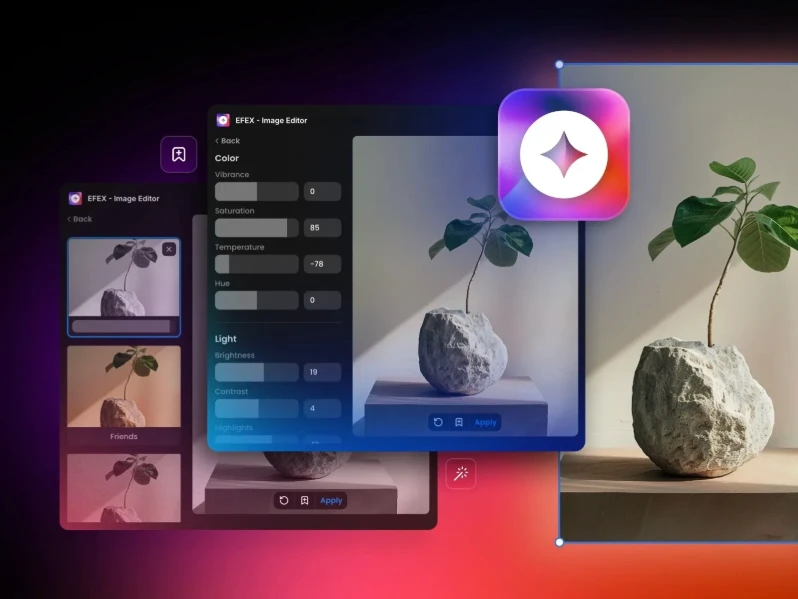
Efex is an in-canvas image editing plugin for Framer that lets you make quick edits directly inside the editor.
Supports:
Adjustments
Filters
Cropping
Enhancements
No need to switch to external editing tools
Speeds up image editing workflow
Keeps everything streamlined within Framer
Visual Electric

Visual Electric is a moodboard-style AI image generator built for creative professionals, helping produce high-quality visuals ready for real design use.
Focuses on stylistic consistency across images
Ideal for:
Moodboards
Branding exploration
Concept visuals
Helps create visuals that actually fit into projects (not random outputs)
Great for maintaining a cohesive design direction
Alt Text Generator
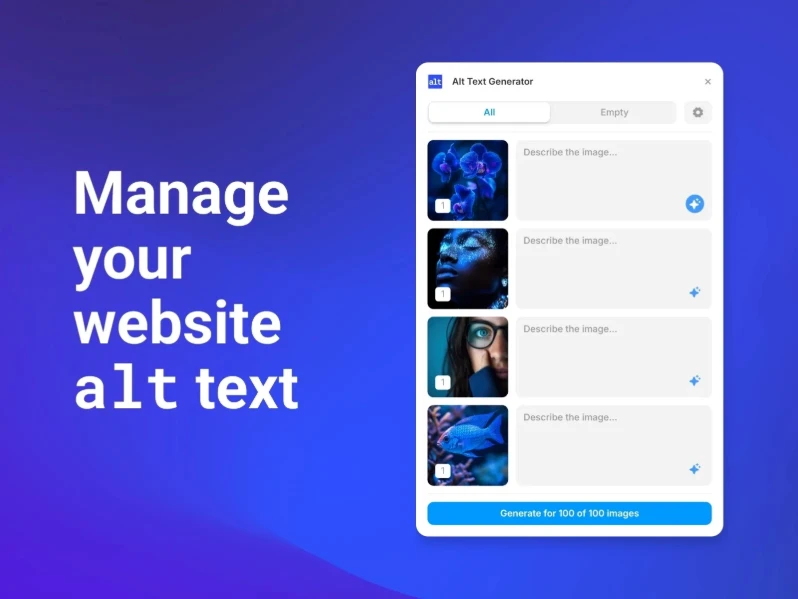
Alt Text Generator automatically creates alt text for all images, helping ensure your content stays SEO-friendly and accessible.
Improves accessibility compliance (WCAG standards)
Saves time by eliminating manual alt text writing
Enhances image visibility in search results
Helps make your website more inclusive
Works seamlessly within the Framer workflow
OpenAI Generate Image

OpenAI Generate Image connects directly to OpenAI’s image generation API, enabling text-to-image creation inside Framer using the DALL·E model.
Create images using simple text prompts
No need to switch to external tools
Ideal for:
Concept visuals
Hero sections
Creative exploration
Speeds up design workflow and ideation
Zelig Video
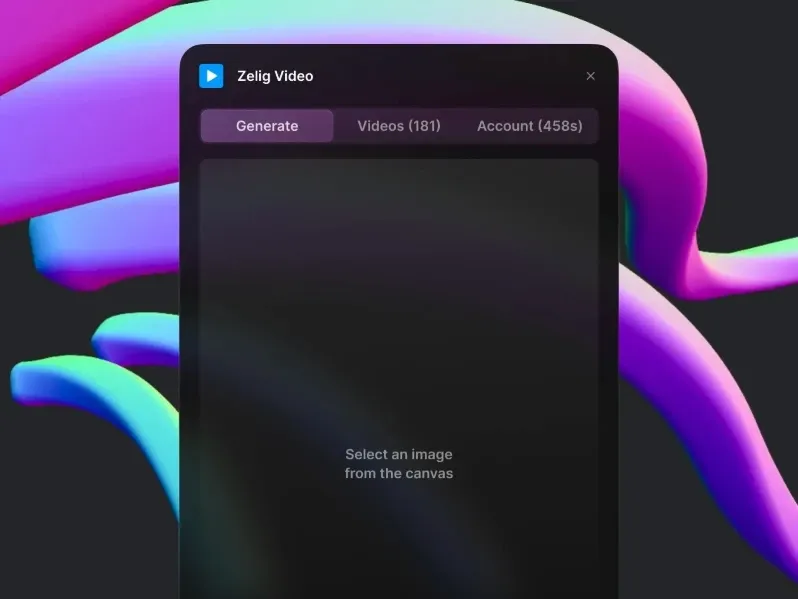
Zelig brings AI-powered video capabilities to Framer, making it easy to insert, manage, and personalize video content within your projects.
Works directly inside the Framer editor
Ideal for:
Marketing sections
Landing pages
Story-driven websites
Enhances visual storytelling with dynamic content
Simplifies video integration without external tools
AI Frame
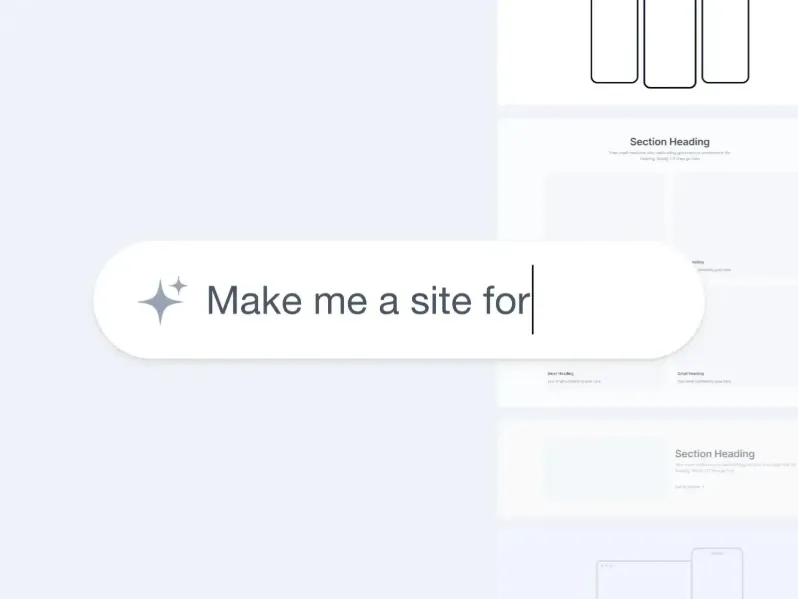
AI Frame uses AI to assist with layout design, helping you build and refine layouts more intelligently.
Suggests improvements for better structure and alignment
Automates repetitive design decisions
Works directly inside the Framer editor
Improves consistency and design efficiency
Ideal for speeding up layout creation
MCP - Model Context Protocol Plugin
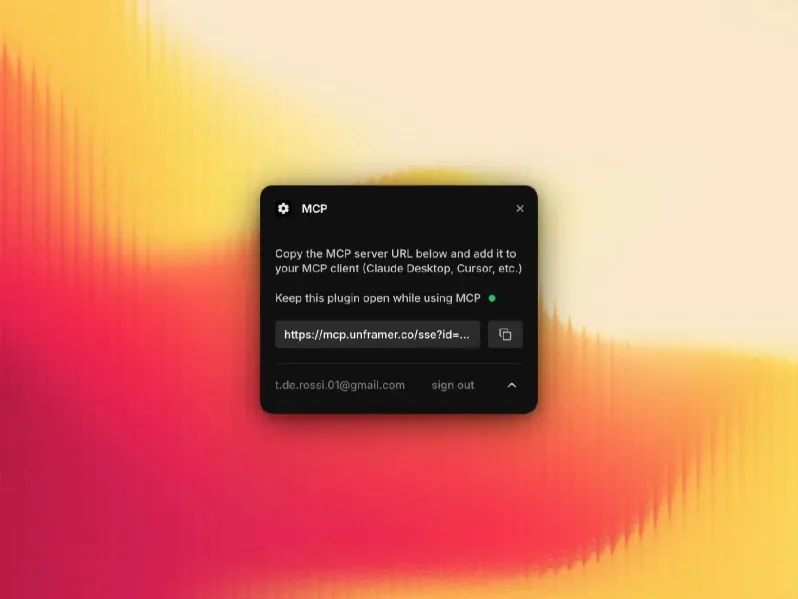
MCP connects Framer with external AI models using the Model Context Protocol, enabling advanced automation within your projects.
Allows AI-driven customization of designs and workflows
Bridges Framer with external AI ecosystems
Ideal for:
Advanced use cases
Custom AI workflows
Scalable automation
Expands Framer beyond built-in capabilities
Image Alt Manager
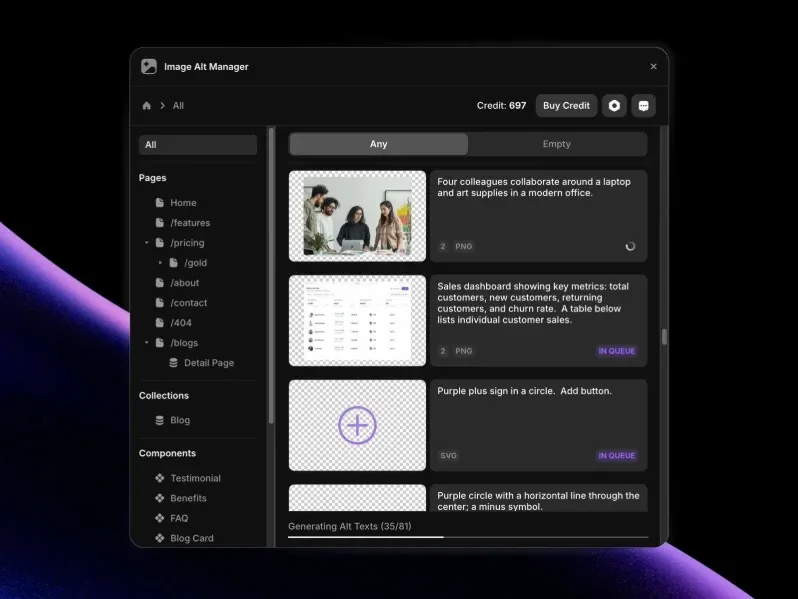
Image Alt Manager gives you centralized control over alt text, allowing you to manage all image descriptions from a single place.
Makes it easy to audit and update content
Ensures consistent accessibility compliance (WCAG)
Improves overall SEO performance
Ideal for large projects with many images
Helps maintain quality at scale
Assets Framer Plugins
The Assets category of Framer plugins covers everything related to visual resources — stock photos, icons, animations, gradients, and image manipulation tools. These plugins make it faster than ever to find and use high-quality visuals in your Framer designs.
Unsplash

Unsplash offers free, high-resolution photography and is widely considered a go-to source for quality visuals.
Search images directly inside the Framer editor
Insert images instantly into your canvas
No need to download or upload files
Simple drag-and-drop workflow
Speeds up design and asset selection
ASCII

ASCII converts images into ASCII art, transforming visuals into text-based characters for a unique stylistic effect.
Creates a retro and unique aesthetic
Helps designs stand out from polished, generic templates
Adds a creative, experimental touch to visuals
Works directly within the Framer editor
Ideal for distinctive branding and artistic projects
Dither
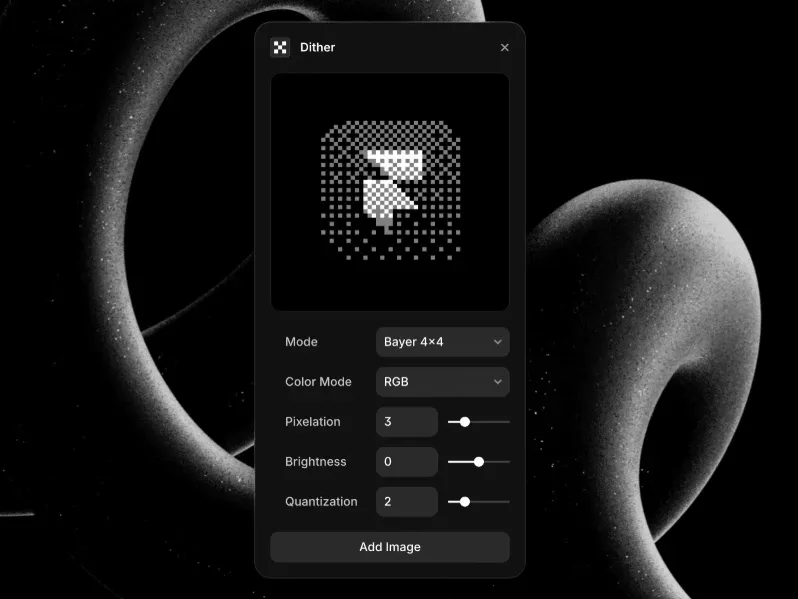
Dither converts images into pixelated, dithered art, creating a vintage, retro look with a nostalgic lo-fi aesthetic.
Helps brands stand out with a unique identity
Works directly inside the Framer editor
Ideal for:
Retro themes
Experimental visuals
Creative branding
Simple way to add character to modern layouts
Remove Background
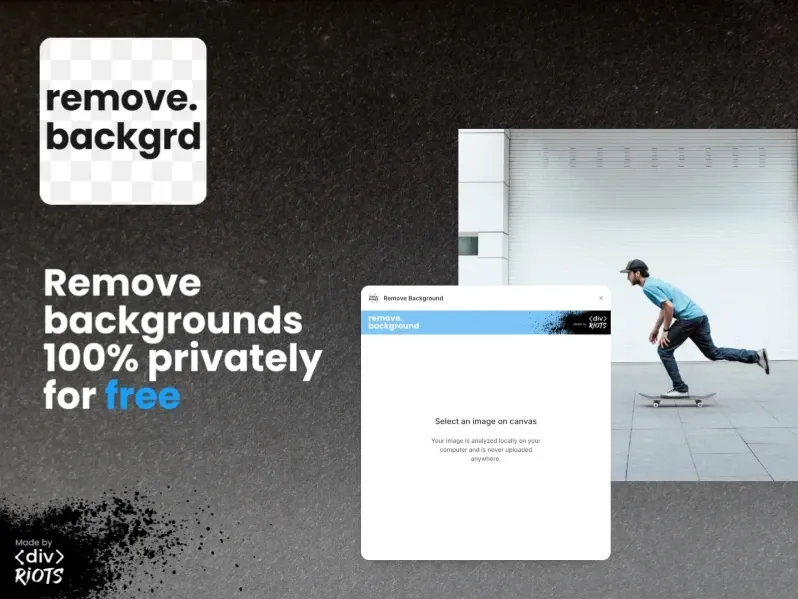
Remove Background uses AI to instantly remove image backgrounds directly inside Framer, eliminating the need for external tools like Photoshop.
Saves time on manual editing
Produces clean, ready-to-use cutouts
Ideal for:
Product images
Profile visuals
Hero sections
Speeds up design workflow significantly
Phosphor

Phosphor is a large open-source icon library that offers multiple weight variants, helping maintain visual consistency across UI designs.
Easy to search and use inside Framer
Works seamlessly within the editor
Ideal for:
UI components
Navigation icons
Product interfaces
Flexible and developer-friendly
Iconstack
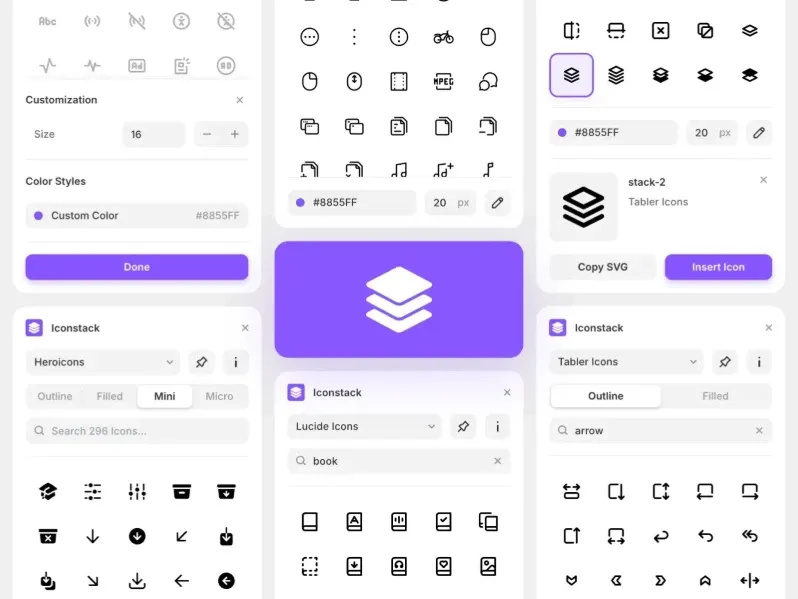
IconStack lets you search across multiple icon libraries, giving you access to all icons from a single, unified interface.
Eliminates the need to switch between tabs
Helps you find the perfect icon faster
Supports a wide range of styles and use cases
Works directly inside the Framer editor
Improves workflow efficiency
Pexels

Pexels provides free stock photos and videos, known for its high-quality visuals and a user experience similar to Unsplash.
Browse content directly inside the Framer editor
Insert images and videos instantly into your design
No need for downloading or uploading
Ideal for:
Background visuals
Hero sections
Video content
Speeds up content creation workflow
LottieFiles

LottieFiles offers lightweight, high-quality animations with access to thousands of free and premium Lottie assets, making it easy to add motion directly into your Framer projects.
No need to write any JavaScript
Animations are fast-loading and performance-friendly
Ideal for:
UI animations
Micro-interactions
Hero sections
Enhances user experience with smooth motion
FramerIcons
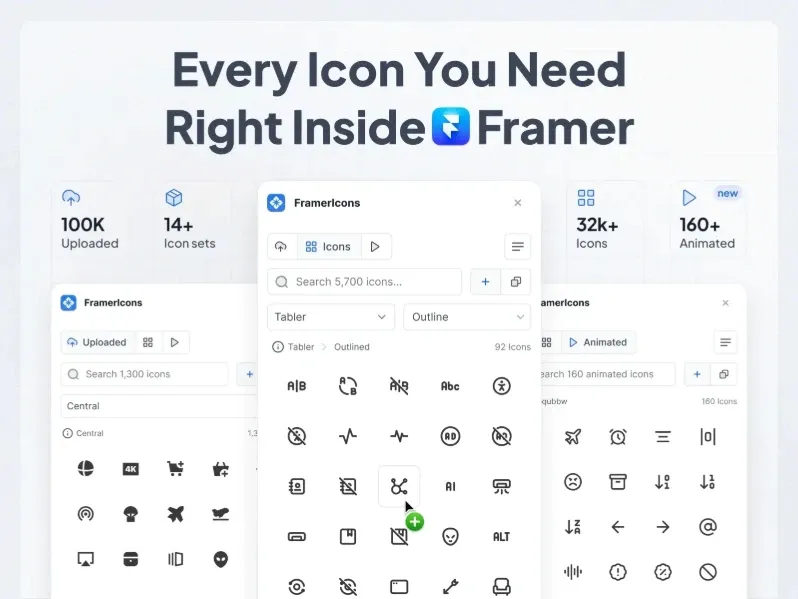
FramerIcons is a dedicated icon library built for Framer, offering clean, consistent styles tailored for modern web interfaces.
Seamlessly integrates within the Framer editor
Ensures visual harmony across your UI
Ideal for:
Web apps
Landing pages
UI components
Saves time on icon selection and styling
ShaderGradient

ShaderGradient creates animated 3D gradient backgrounds using WebGL, delivering smooth, high-performance visuals with rich and dynamic effects.
Works directly inside the Framer editor
Ideal for:
Hero sections
Landing pages
Helps designs stand out with modern aesthetics
Adds depth and motion without heavy assets
Logofy
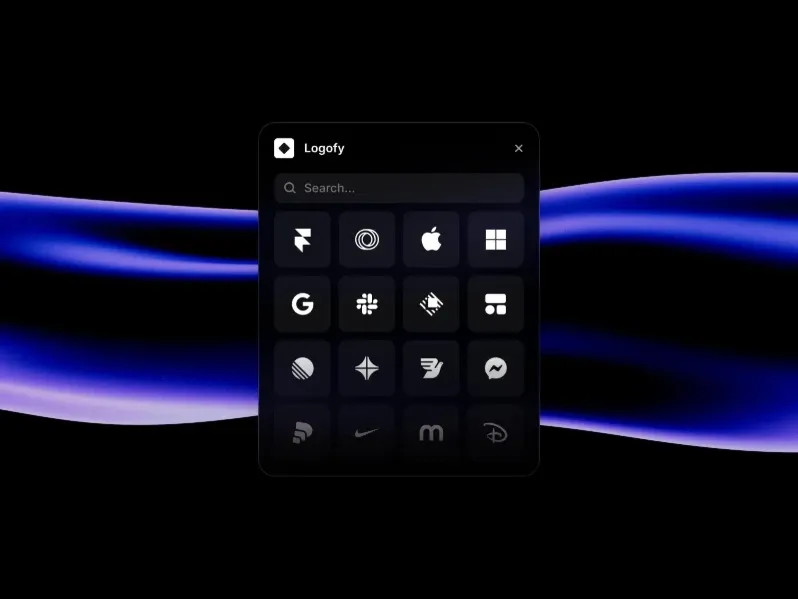
Logofy helps you quickly create and customize logo assets directly inside the Framer editor.
Enables fast logo generation for design workflows
Ideal for:
Mockups
Presentations
Brand exploration
Eliminates the need for external logo tools
Speeds up early-stage design and ideation
Bootstrap Icons

Bootstrap Icons gives you access to the full Bootstrap icon library directly within Framer through a simple and searchable interface.
Easy to find and insert icons quickly
Ideal for developers familiar with Bootstrap
Maintains consistency in Bootstrap-based designs
Works seamlessly within the Framer editor
Speeds up UI development
CMS Framer Plugins
Content management is one of Framer's most powerful features, and the CMS plugin category extends it even further. These Framer plugins let you sync data from external sources - Google Sheets, Notion, Airtable, and more - directly into your Framer CMS collections.
CMS Export

CMS Export lets you export Framer CMS collections and generates clean CSV files for easy use and integration.
Useful for:
Backups
Content audits
Data migration
Helps transfer data to other platforms
Simple and efficient workflow
Ideal for managing large content sets
Google Sheets framer plugin

This plugin connects Google Sheets directly to Framer CMS, automatically syncing spreadsheet data into your content and eliminating manual data entry.
Automatically syncs spreadsheet data into your content
Eliminates manual data entry
Keeps content updated in real time
Ideal for teams using Google Workspace
Works seamlessly within the Framer workflow
Perfect for:
Dynamic content
Team collaboration
Content management
Notion

This plugin syncs Notion databases directly with Framer CMS, turning your Notion content into live website data and eliminating manual copy-pasting.
Converts Notion content into live website data
Eliminates manual copy-pasting
Keeps content updated across both platforms
Bridges the gap between notes and live content
Ideal for teams using Notion as a content hub
Perfect for:
Blogs
Documentation
Content-driven websites
CSV Import
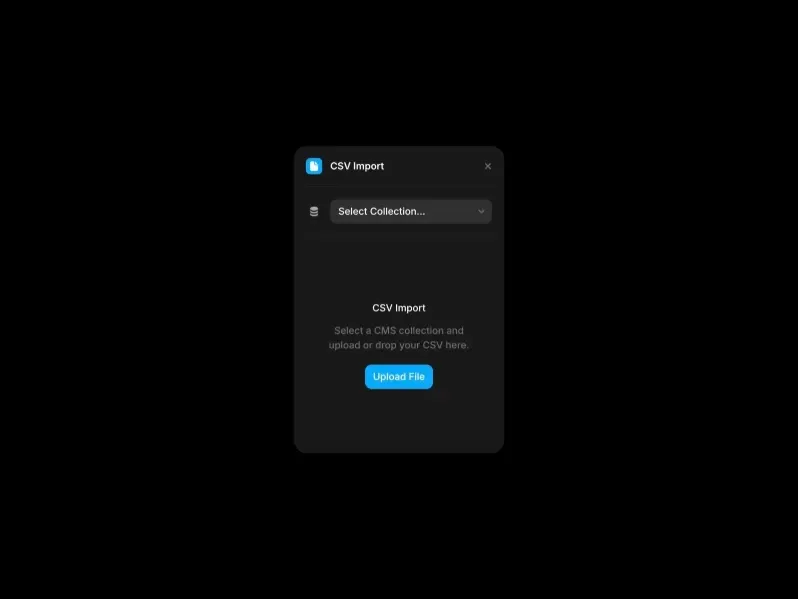
CSV Import lets you upload large datasets into Framer CMS in seconds, supporting bulk imports and eliminating the need for manual data entry.
Simple and efficient workflow
Ideal for:
Large content migrations
Product catalogs
Data-heavy projects
Saves significant time and effort
Helps manage content at scale
Pixabay

Pixabay provides a large library of free visual assets for creatives. It offers high-quality images, illustrations, and videos for easy use in projects.
Includes:
Images
Videos
Illustrations
Offers access to 4M+ free assets
Adds another content source to your Framer workflow
Helps increase variety in visual selection
Works directly inside the Framer editor
Ideal for:
Content-heavy designs
Blogs and media sites
Creative projects
Airtable
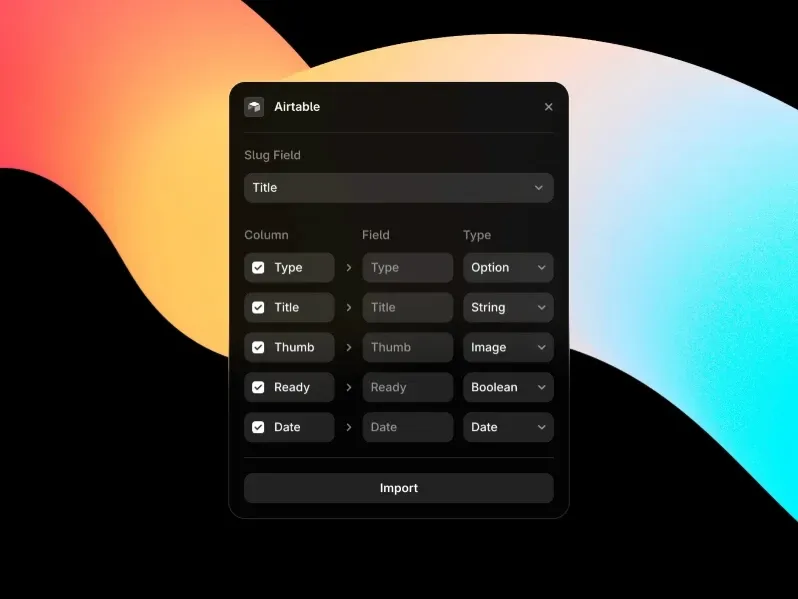
This plugin connects Airtable bases directly to Framer CMS, automatically syncing structured data to your website and removing the need for manual updates.
Keeps data consistent across platforms
Combines database + CMS workflow seamlessly
Ideal for:
Structured content
Dynamic websites
Data-driven projects
Works smoothly within the Framer editor
Superfields
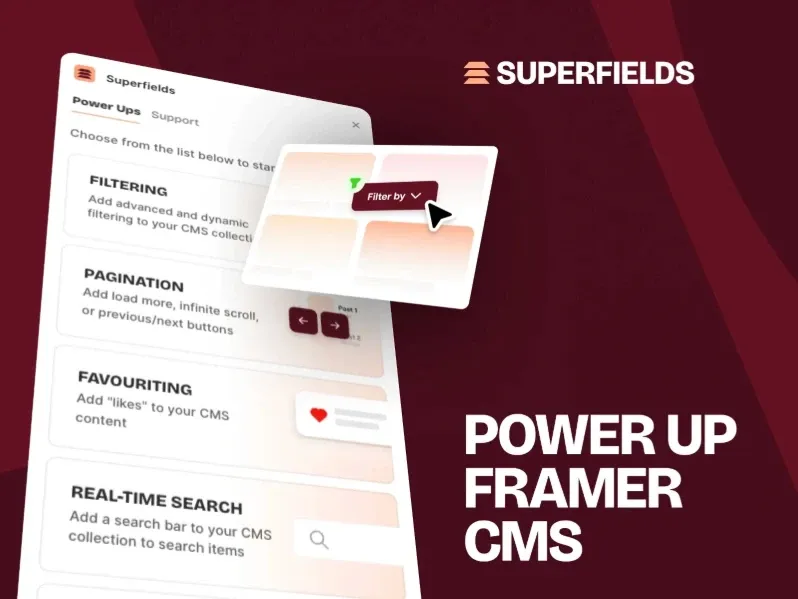
Superfields enhances Framer CMS with advanced field types, giving you more flexibility to build richer and more dynamic content structures.
Helps handle complex content requirements
Works seamlessly within the Framer CMS
Ideal for:
Complex websites
Advanced applications
Structured content systems
Improves scalability and content organization
FramerSync
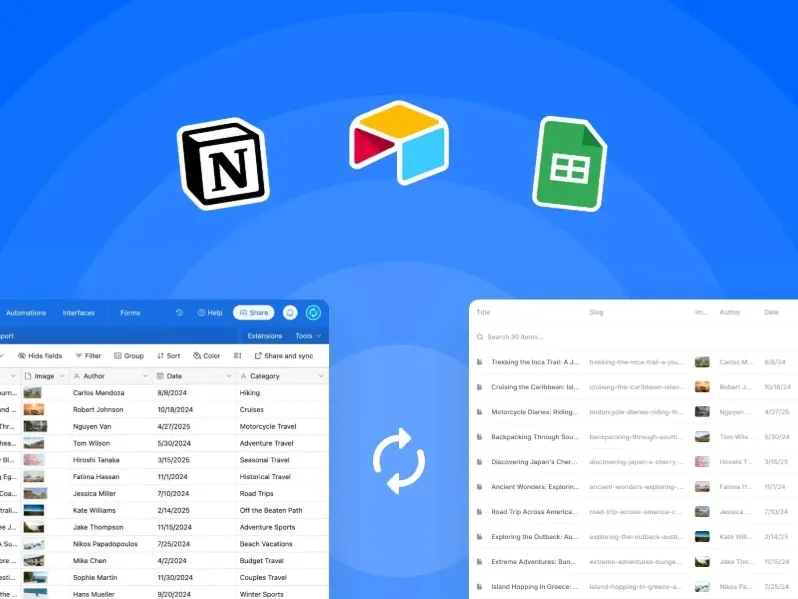
FramerSync enables two-way data synchronization between Framer CMS and external sources, automatically reflecting changes made outside Framer.
Keeps content updated in real time
Eliminates manual syncing and inconsistencies
Ideal for:
Dynamic content systems
Team collaboration
Data-driven websites
Improves workflow efficiency and accuracy
CMS Data Sync
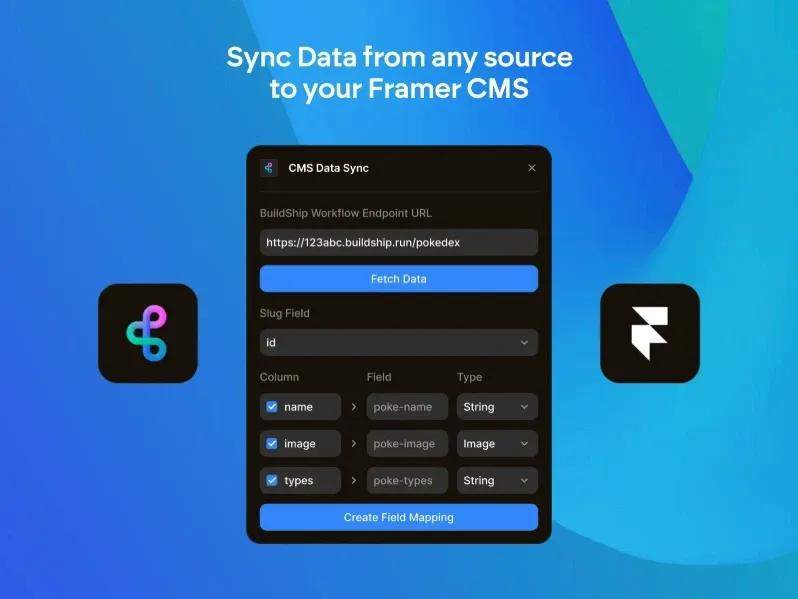
CMS Data Sync connects multiple data sources to Framer CMS, bringing content from different platforms into one unified place.
Keeps data consistent across sources
Ideal for projects using multiple content systems
Eliminates manual data merging
Supports more complex workflows
Improves scalability and flexibility
3D Importer
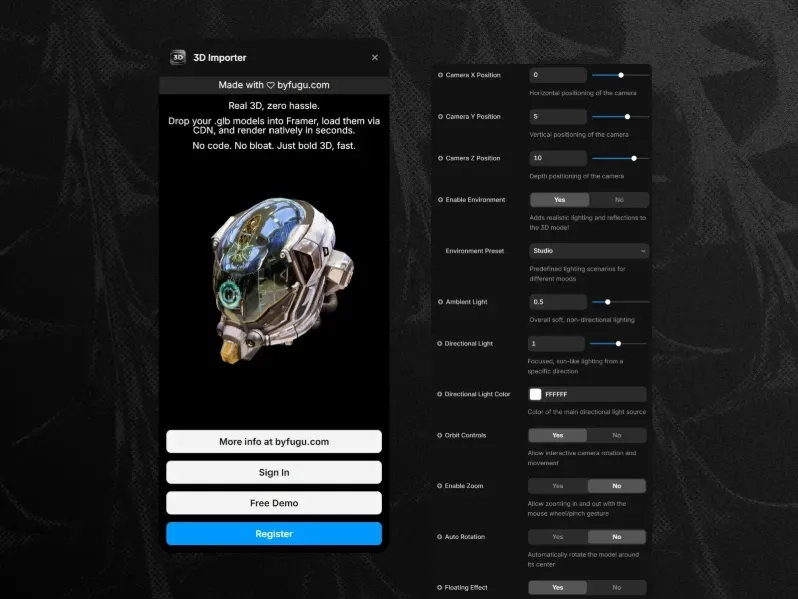
3D Importer lets you add 3D model files into Framer, enabling interactive elements that enhance visual depth and user engagement.
Works directly inside the Framer editor
Ideal for:
Product showcases
Portfolios
Interactive experiences
Adds a modern, immersive feel to websites
No need for external 3D integration tools
JSON Sync
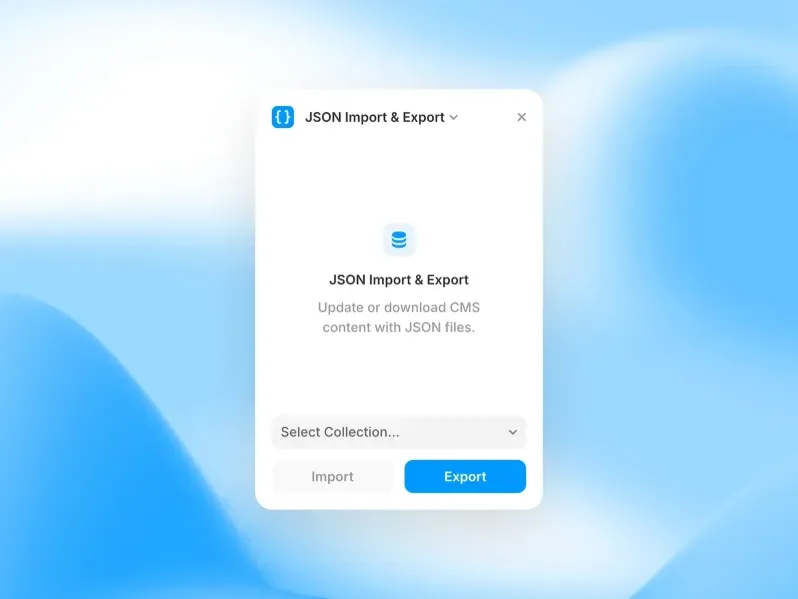
JSON Sync connects JSON data sources to Framer CMS, enabling API integrations and automatically populating content from external data.
Offers high flexibility for developers
Eliminates manual data entry
Ideal for:
Dynamic websites
API-driven projects
Custom applications
Expands Framer beyond static content
Framer CMS Filter
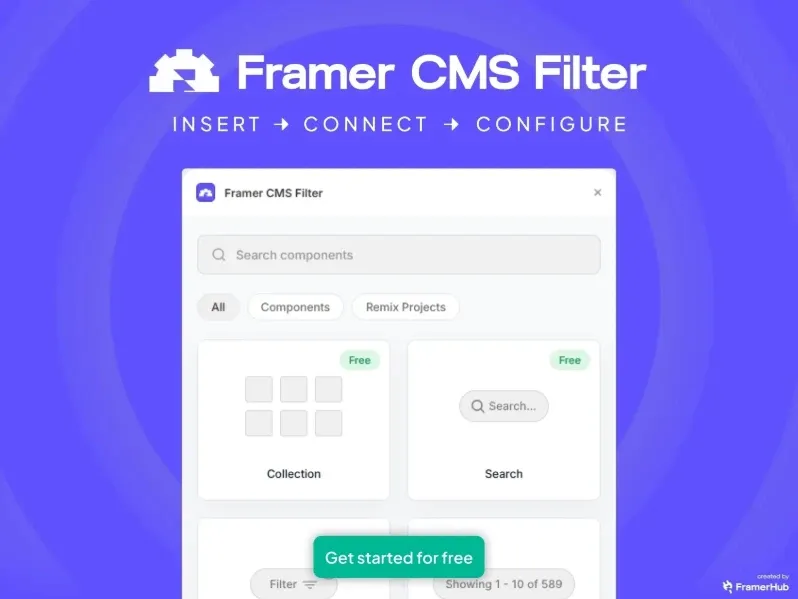
Framer CMS Filter adds dynamic filtering to CMS collections, allowing users to search and explore content in real time while improving overall discoverability.
Enhances user experience with interactive browsing
Works on the published website (not just the editor)
Ideal for:
Blogs
Directories
Content-heavy platforms
Makes large datasets easier to navigate
Design Workflow Framer Plugins
Design workflow Framer plugins help you streamline repetitive tasks, stay organized, and keep your design system consistent. From syncing with Figma to organizing layers, these tools save hours every week.
Framer Figma Sync
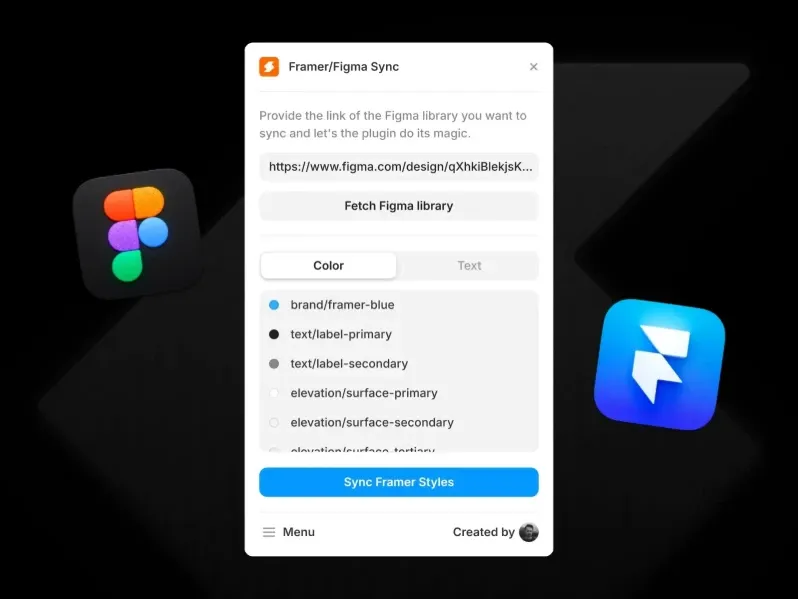
Framer Figma Sync connects Figma with Framer, making it easy to bring your designs directly into your workflow.
Import:
Frames
Components
Assets
Transfers designs directly from Figma files
Eliminates manual recreation of layouts
Speeds up design-to-build workflow
Ideal for teams moving from Figma to Framer
Maintains consistency between design and implementation
Blur It
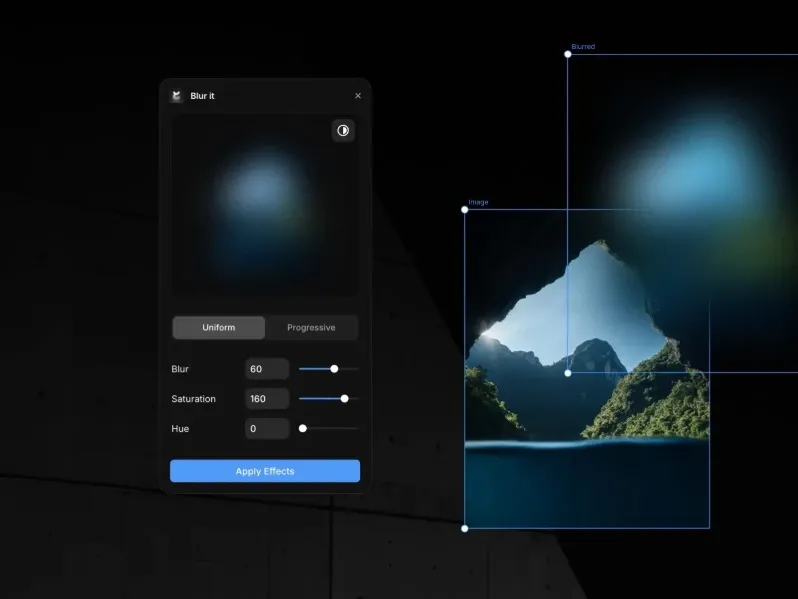
Blur It applies blur effects to elements in Framer, giving you precise control over intensity for more polished visuals.
Works directly on the canvas
Ideal for:
Background elements
Glassmorphism effects
Privacy redactions in mockups
Enhances visual depth and focus
Quick and easy to use
No need for external tools
Image Color Changer
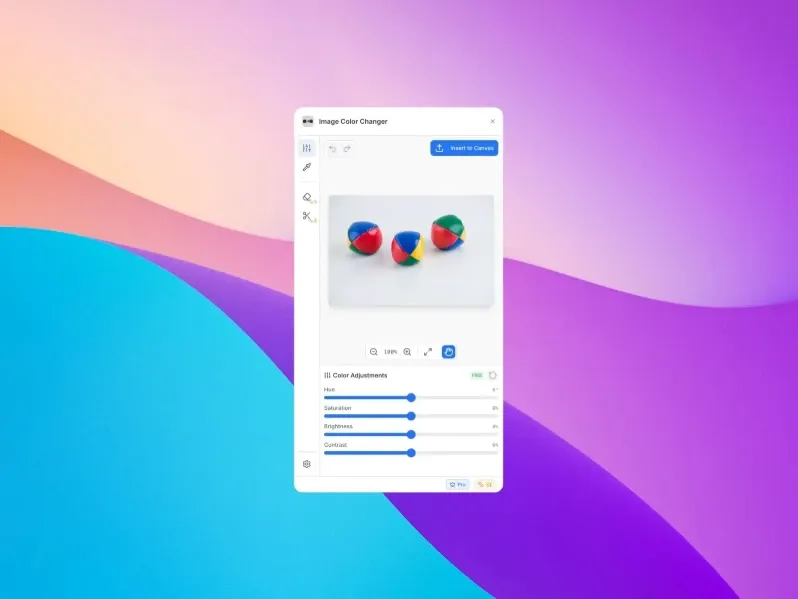
Image Color Changer lets you adjust image colors directly in Framer, making it easy to modify palettes and match visuals to your brand without leaving the canvas.
Eliminates the need for external editing tools
Speeds up design iteration
Ideal for:
Brand consistency
Themed designs
Quick visual tweaks
Keeps workflow smooth and efficient
Text Search

Text Search adds a find-and-replace tool to Framer, allowing you to quickly search across all text elements in your project.
Update content in bulk with ease
Saves time on manual text edits
Especially useful for large projects
Helps maintain consistency across content
Works directly inside the Framer editor
Tidy Up
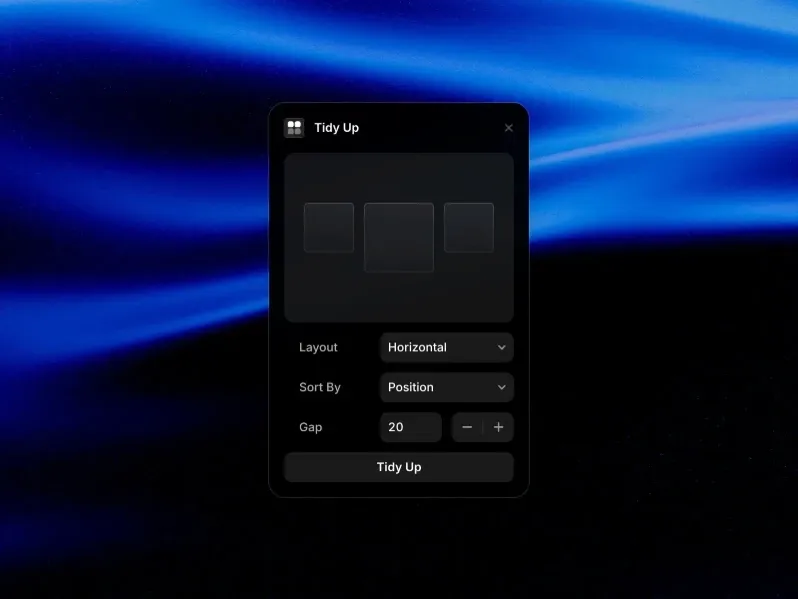
Tidy Up automatically organizes selected elements in Framer, aligning them with equal spacing and removing the need for manual adjustments.
Speeds up layout cleanup
Improves visual consistency
Ideal for:
Complex layouts
Grid adjustments
UI polishing
Works directly on the Framer canvas
Save Image

Save Image lets you export parts of your Framer canvas in formats like PNG and JPEG, making it easy to quickly generate assets.
Quickly capture sections of your design
Ideal for:
Work-in-progress screenshots
Sharing previews
Creating assets
Eliminates the need for external screenshot tools
Fast and easy to use
Works directly within the Framer editor
Image Resolution Adjuster
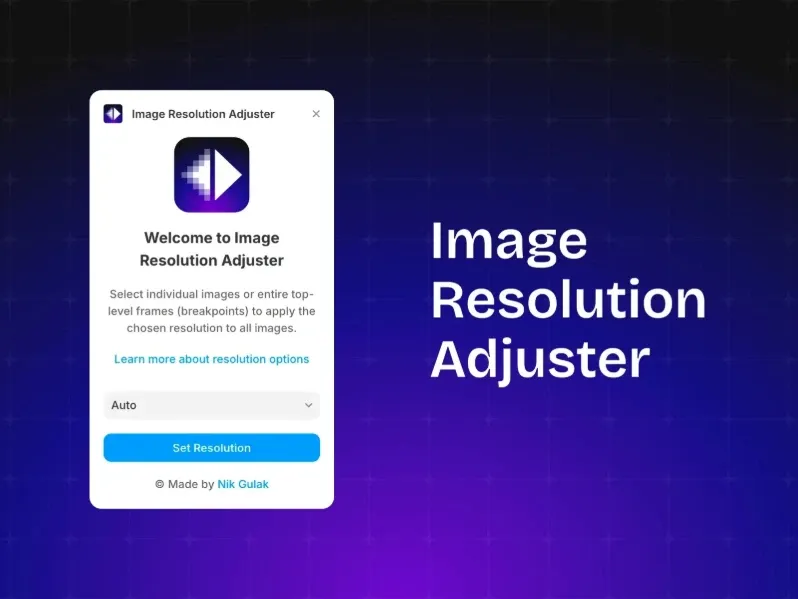
Image Resolution Adjuster lets you control image quality and resolution inside Framer, helping balance visual clarity with performance and faster load times.
Reduces file size without major quality loss
Works directly within the Framer editor
Ideal for:
Performance optimization
Responsive designs
Image-heavy pages
Improves overall user experience
Doodles

Doodles adds hand-drawn illustration elements to Framer, offering sketch-style visuals that create a more human and approachable feel.
Helps break the rigid, overly polished look
Works directly inside the Framer canvas
Ideal for:
Friendly UI designs
Landing pages
Creative projects
Adds personality and warmth to visuals
FrameKit
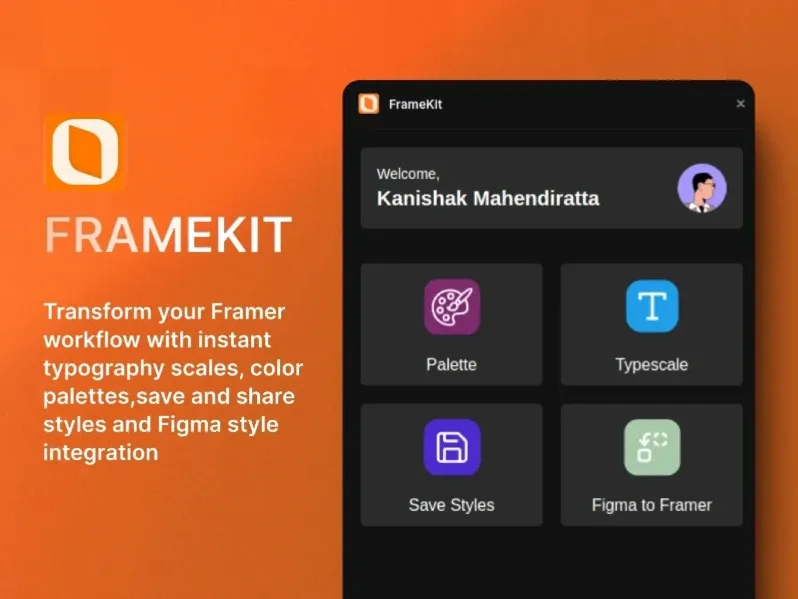
FrameKit offers a ready-made set of Framer components with pre-built styles and UI elements, helping designers get a quick head start.
Ensures consistent and polished interfaces
Reduces repetitive design work
Works directly within the Framer editor
Ideal for:
Rapid prototyping
Design systems
Production-ready layouts
Ara

Ara analyzes your Framer project for design consistency, scanning for inconsistencies and suggesting ways to unify your design system.
Helps maintain a clean and scalable visual language
Works directly within the Framer environment
Ideal for:
Design audits
System cleanup
Large projects
Improves overall design quality and structure
Tokens Studio for Framer
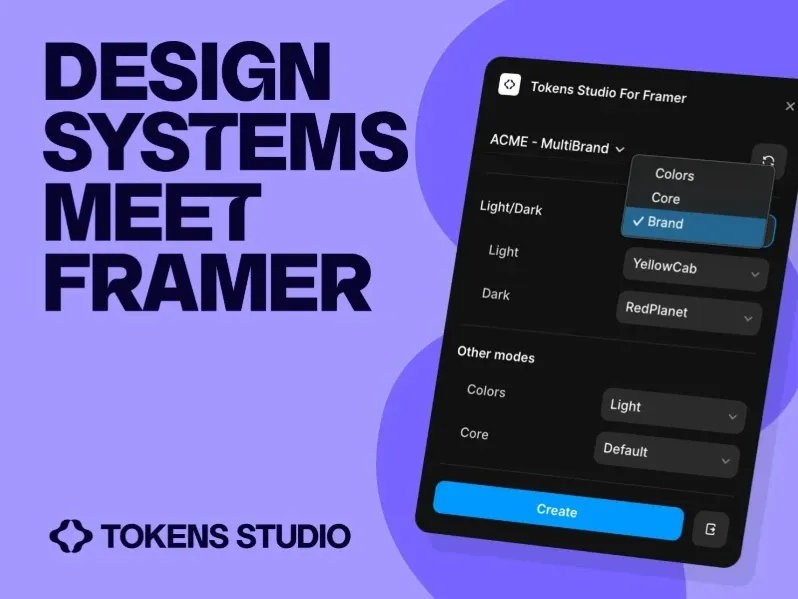
Tokens Studio enables design token management in Framer, helping maintain consistent design systems with a single source of truth for styles.
Syncs tokens across multiple projects and platforms
Improves scalability and collaboration
Works seamlessly within the Framer workflow
Ideal for:
Design systems
Team collaboration
Multi-project setups
Style Sync

Style Sync keeps styles consistent across multiple Framer projects, ensuring a unified design system throughout your work.
Syncs:
Colors
Text styles
Effects
Ensures uniform design across projects
Reduces manual style updates
Ideal for:
Agencies
Teams managing design systems
Improves workflow efficiency and consistency
Works seamlessly within the Framer ecosystem
E-Commerce Framer Plugins
Framer is increasingly being used to build real, revenue-generating websites. The E-Commerce plugin category provides the tools to add product listings, shopping carts, memberships, payments, and maps to your Framer projects.
Frameship
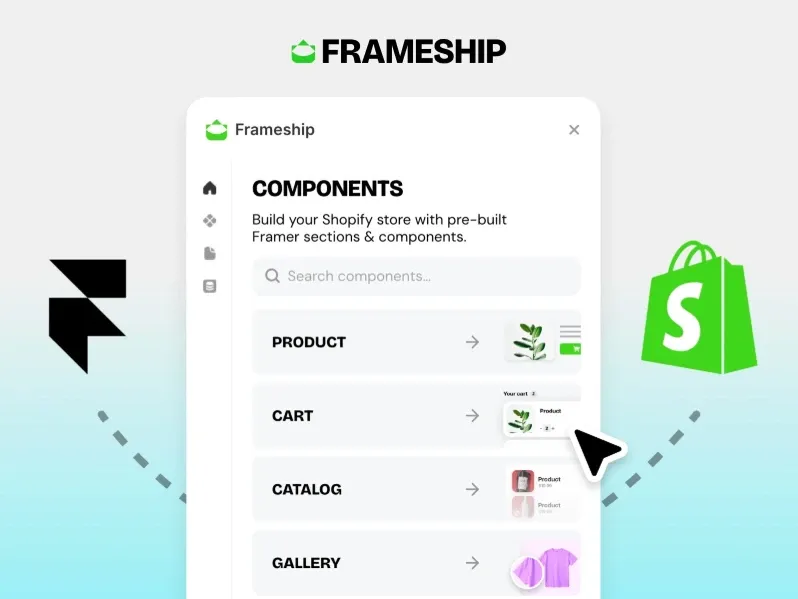
Frameship is a complete e-commerce solution for Framer, enabling you to build and manage online stores with ease.
Adds:
Product pages
Cart functionality
Checkout flows
No need for a separate e-commerce platform
Works directly within your Framer site
Enables full online store functionality
Ideal for:
Small businesses
Creators
Product-based websites
Simplifies selling directly from your site
Framer Commerce

Framer Commerce is a full-featured e-commerce solution that lets you build, manage, and scale online stores directly within Framer.
Supports:
Product management
Payments
Order processing
Transforms your Framer site into a complete online store
Works natively within the Framer ecosystem
Eliminates the need for external platforms
Ideal for:
Online businesses
Digital products
E-commerce websites
Enables end-to-end selling experience
FramerAuth

FramerAuth adds user authentication to Framer sites, making it easy to manage logins and secure access.
Supports:
Sign-up
Login
Protected content areas
Enables gated content and membership features
Works directly within the Framer ecosystem
Enhances security and user access control
Ideal for:
Membership sites
Online communities
Course platforms
Adds functionality beyond static websites
Frameshop

Frameshop connects Framer with Shopify, combining Framer’s design flexibility with Shopify’s backend while seamlessly syncing products and store data.
Enables full e-commerce functionality
Keeps design and commerce workflows connected
Ideal for:
Shopify store owners
E-commerce brands
Scalable online stores
Lets you design freely while using a powerful backend
Typescale Generator
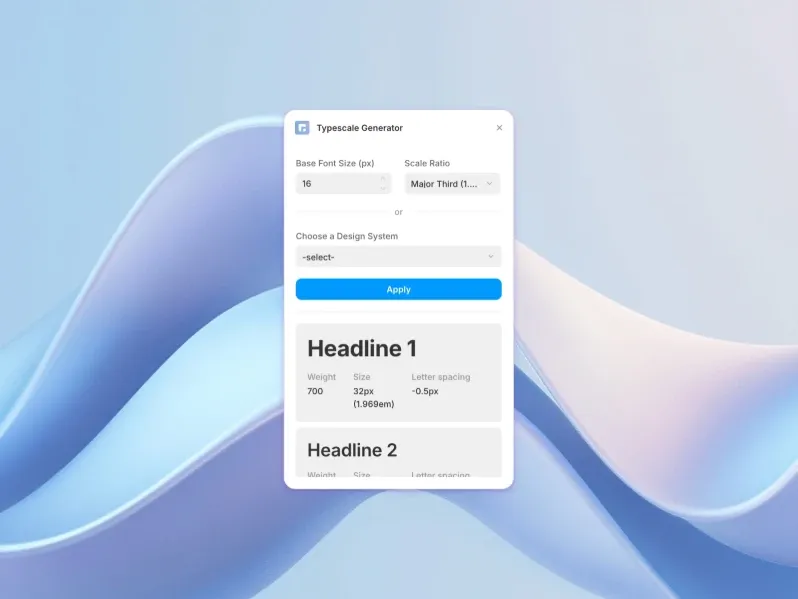
Typescale Generator helps create a consistent typographic scale, improving visual hierarchy and enhancing readability across your site.
Ensures balanced typography for product listings
Works directly within Framer
Ideal for:
E-commerce websites
Content-heavy pages
Design systems
Enhances overall design clarity
Polar
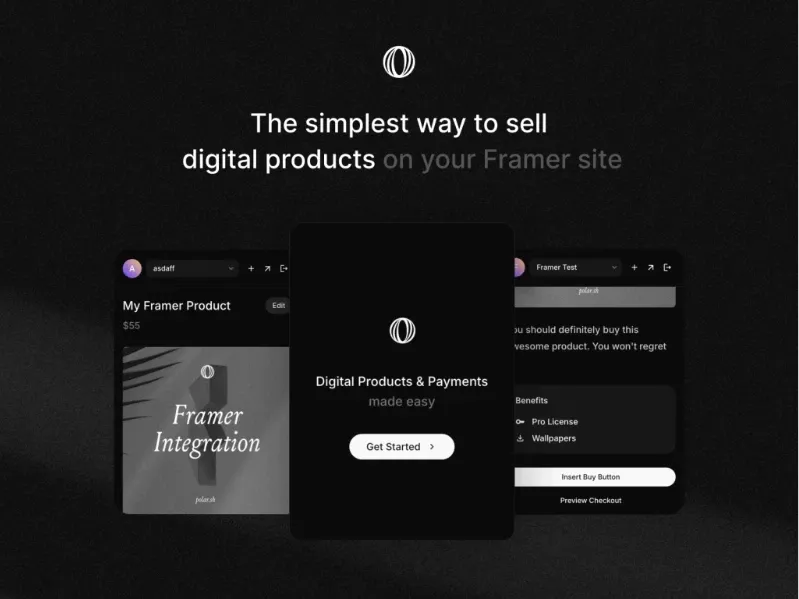
Polar provides open-source payment infrastructure for Framer, enabling you to accept payments and manage subscriptions directly on your site.
Works seamlessly within the Framer ecosystem
Gives more control compared to closed platforms
Ideal for:
Creators
SaaS products
Subscription-based businesses
Eliminates reliance on third-party payment setups
Print Pro
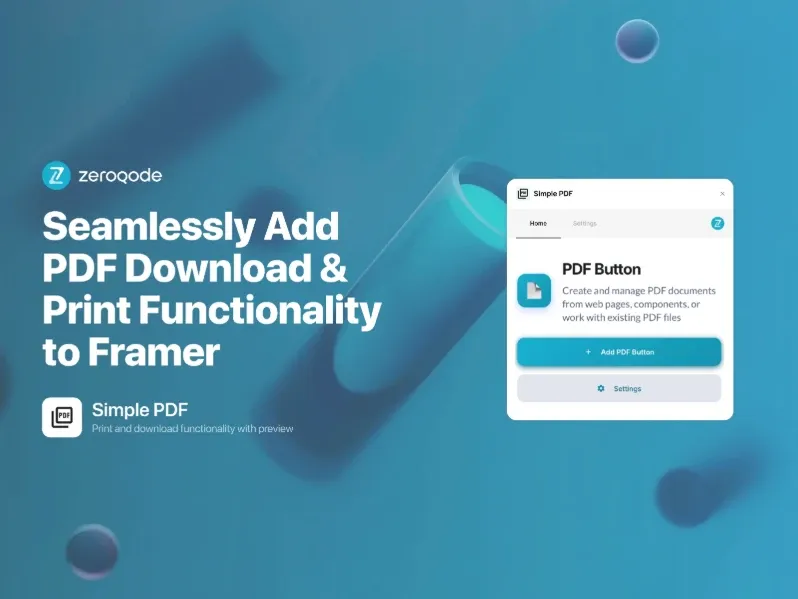
Print Pro connects Framer to print-on-demand services, allowing you to sell custom printed products directly from your site.
Handles product creation and fulfillment workflows
Works directly within your Framer site
Ideal for:
Merch stores
Custom product businesses
Creators and brands
Eliminates the need for external integrations
Simplifies e-commerce setup
Outseta
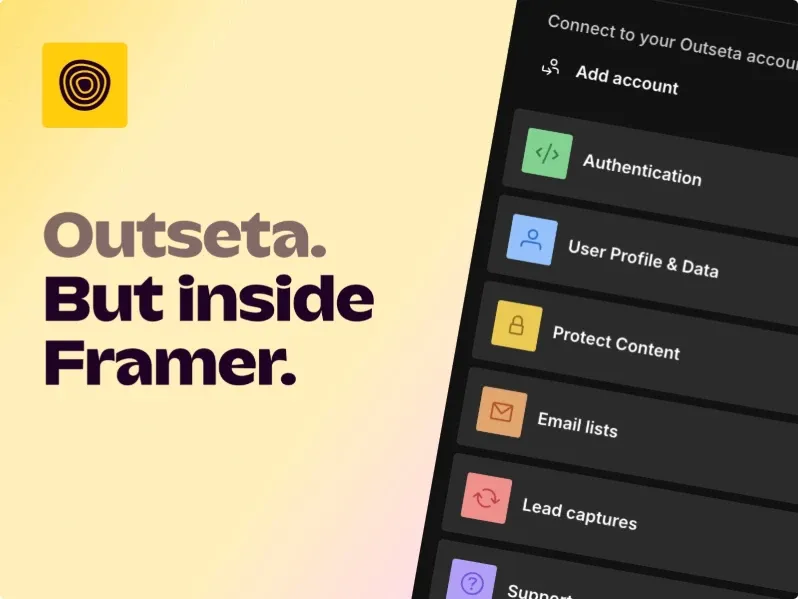
Outseta provides membership management for Framer sites, helping you handle users, subscriptions, and access with ease.
Supports:
SaaS billing
CRM functionality
Handles subscriptions and user management
Works directly within the Framer ecosystem
Ideal for:
Subscription-based businesses
Online communities
SaaS products
Combines multiple tools into one platform
Simplifies backend operations
Map master framer plugins

Map Master lets you embed interactive Google Maps into your Framer site, displaying real-time locations and enabling dynamic map interactions.
Works directly within the Framer editor
Ideal for:
Location-based businesses
Store locators
Event pages
Enhances user experience with visual navigation
Easy to integrate and customize
Adds practical functionality to websites
Globe Map

Globe Map adds an interactive 3D globe to your site, creating visually engaging global visualizations for users.
Enhances user interaction with dynamic elements
Works directly within the Framer editor
Ideal for:
Global businesses
SaaS products
Portfolio websites
Adds a modern and premium feel
Improves storytelling with geographic context
Thenty

Thenty adds booking and appointment scheduling to Framer, allowing users to book directly from your website.
Handles scheduling without external tools
Works seamlessly within the Framer ecosystem
Ideal for:
Service-based businesses
Consultants
Agencies
Simplifies appointment management
Improves user convenience and conversions
Forms Framer Plugins
Forms are essential to almost every website - contact pages, lead capture, surveys, quizzes. These Framer plugins make it easy to add powerful, branded forms to your Framer site without any third-party embedding hassle.
Framer Forms
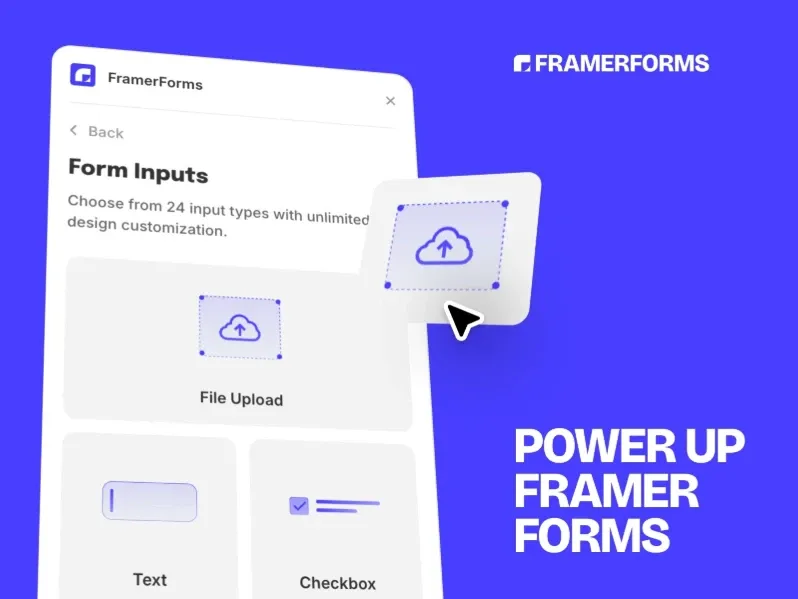
Framer Forms is a fully native form builder that seamlessly integrates with Framer for smooth form creation and management.
Design forms that match your site perfectly
Send submissions directly to inbox or CRM tools
No external setup required
Ideal for:
Contact forms
Lead capture
Custom form designs
Tally
Tally is a popular free-form tool that lets you easily embed forms directly into your Framer pages.
No-code and highly customizable
Clean and minimal interface
Ideal for:
Surveys
Lead forms
Data collection
FormFlow
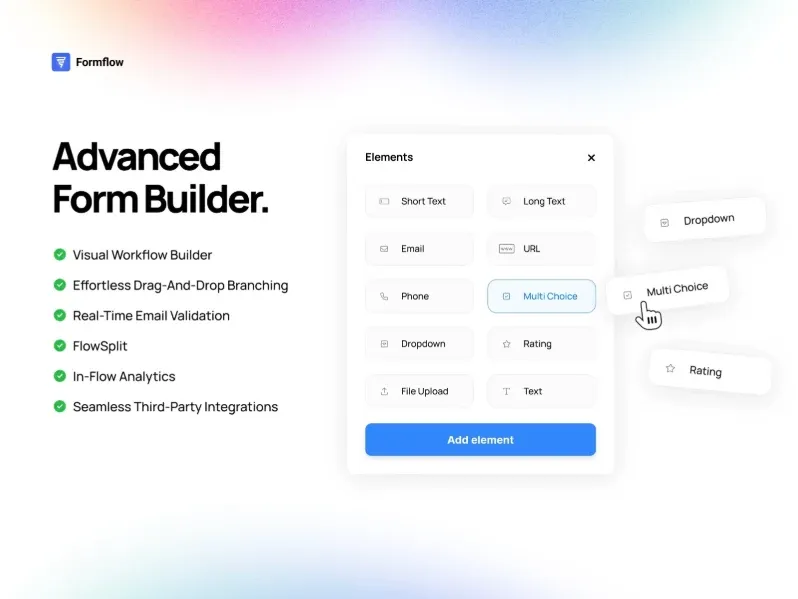
Form Flow creates step-by-step conversational forms in Framer, making user interactions more engaging and intuitive.
Feels like a natural dialogue
Increases completion rates
Reduces user friction
Ideal for:
Onboarding flows
Lead qualification
Interactive forms
Typer Quiz

Typer Quiz builds typewriter-style quizzes in Framer, creating engaging and interactive user experiences.
Engaging and dynamic experience
Helps with audience segmentation
Great for interactive onboarding
Ideal for:
Quizzes
Engagement tools
Lead segmentation
Contact Form
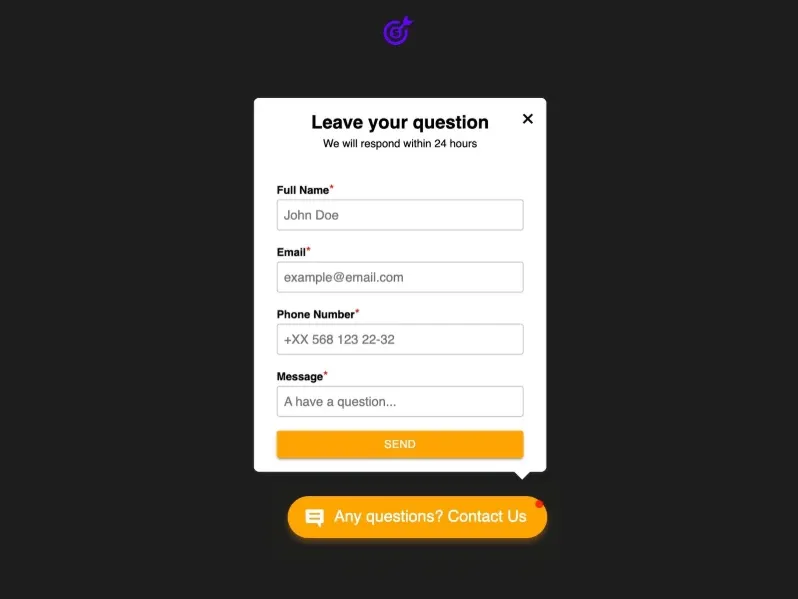
Contact Form is a lightweight and easy-to-use solution for adding simple contact forms to your Framer site.
Add clean contact forms quickly
No complex setup required
Fast and minimal solution
Ideal for:
Portfolios
Small business sites
Basic contact pages
PlumSpace Form Builder

PlumSpace Form Builder offers advanced form design capabilities, giving you more control and flexibility when creating forms in Framer.
Greater control over layout and styling
Supports custom form logic
Works directly with Framer
Ideal for:
Complex forms
Custom UI forms
Advanced workflows
Forms Plugin
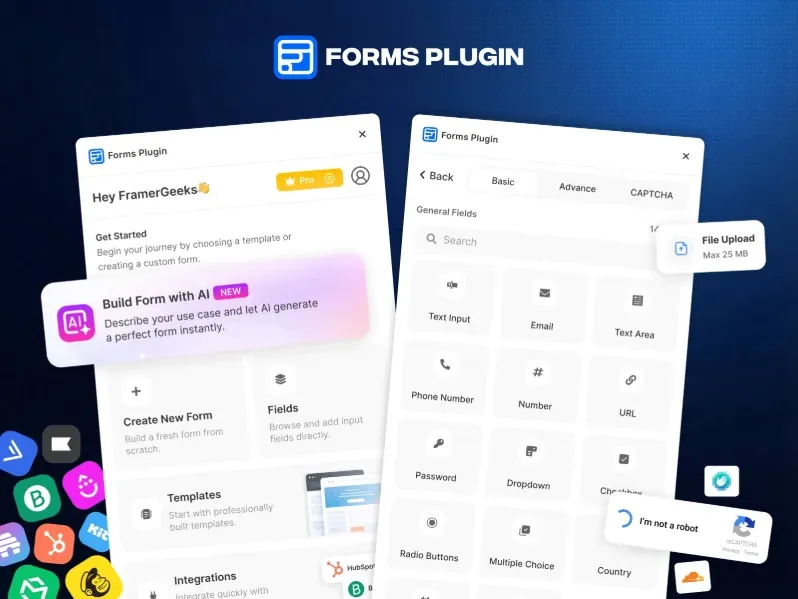
Forms Plugin connects Framer forms to external tools, making it easy to integrate and manage your form data across platforms.
Supports integrations like:
Mailchimp
HubSpot
Other marketing platforms
Automates data flow and lead management
Ideal for:
Marketing teams
CRM workflows
Lead generation systems
MakeForm
MakeForm enables fully custom form creation in Framer, giving you complete control over design and functionality.
Supports advanced field types
Includes validation rules and logic
Offers flexible integration options
Ideal for:
Complex data collection
Custom workflows
Advanced form setups
Framer Form Kit
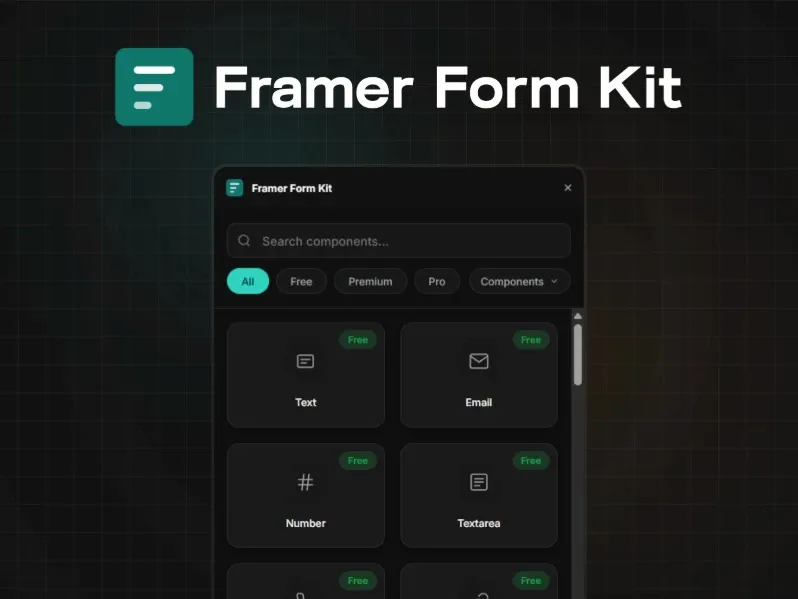
Framer Form Kit provides a complete set of form components, making it easy to build and customize forms in Framer.
Includes:
Inputs
Dropdowns
Checkboxes
Radio buttons
Designed to match your design system
Ensures visual consistency
Ideal for:
Design systems
Scalable form UI
Weavely AI Forms

Weavely AI Forms uses AI to generate form structures, helping you quickly create smart and well-structured forms in Framer.
Automatically suggests fields based on use case
Helps optimize forms for better conversions
Reduces manual setup time
Ideal for:
Smart form building
Conversion-focused forms
Quick setup workflows
Framer Forms Connect
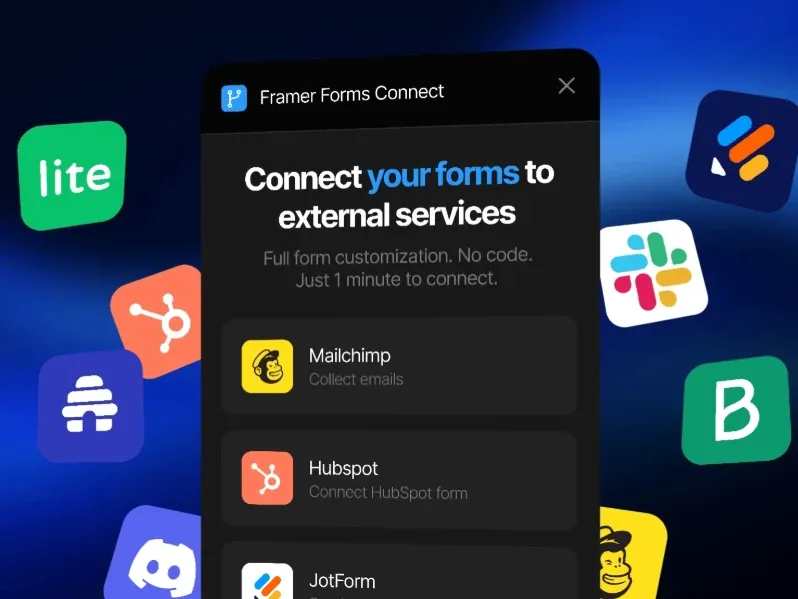
Framer Forms connects your forms to multiple external services, making it easy to integrate and manage data across different platforms.
Supports webhooks and integrations
Automates:
Lead capture
Notifications
Simplifies workflow automation
Ideal for:
Automated pipelines
Multi-tool setups
Card Style Surveys

Card Style Surveys creates card-based survey experiences in Framer, making interactions more engaging and visually appealing.
More engaging than traditional forms
Improves user interaction and completion
Ideal for:
Brand research
NPS surveys
Interactive feedback collection
Adds a modern and visual touch
Integrations Framer Plugins
The Integrations category of Framer plugins helps you connect your Framer site to external tools and services - from CRMs and calendars to maps and social platforms - turning Framer into the front end of a complete digital ecosystem.
React Export

React Export converts Framer designs into clean React code, making it easier to bring your designs into development.
Bridges the gap between design and development
Speeds up developer handoff
Reduces the need for manual coding
Maintains structure and components
Ideal for:
Developers
Production-ready projects
Design-to-code workflows
HubSpot
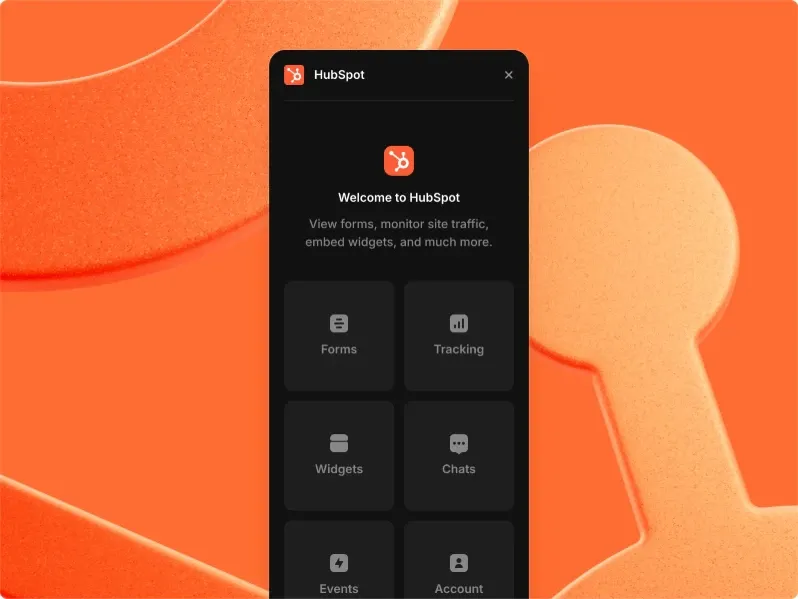
Connects Framer with HubSpot CRM, automatically syncing leads and contact data for seamless integration.
Integrates forms directly with CRM workflows
Eliminates manual data transfer
Improves marketing and sales efficiency
Ideal for:
Marketing teams
Lead management
CRM-driven websites
Smartarget WhatsApp
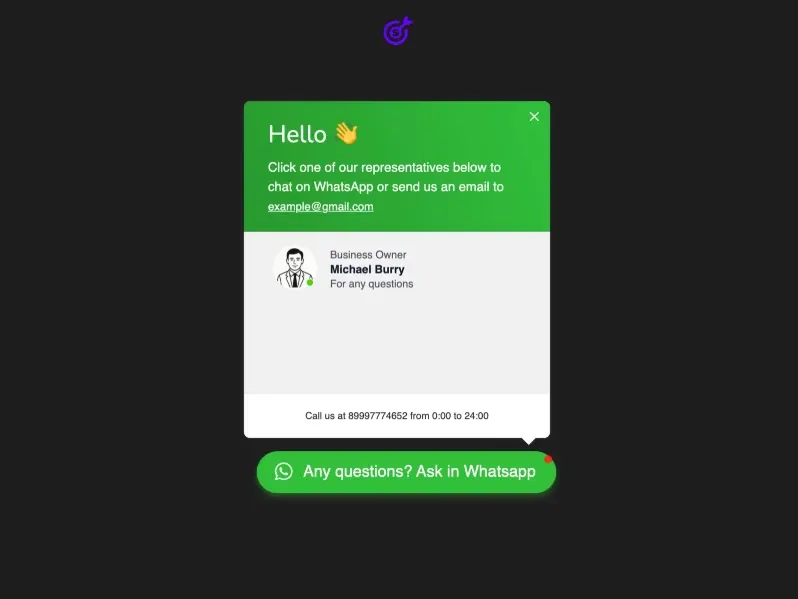
Smartarget WhatsApp adds a WhatsApp chat button to your site, allowing users to message you directly for quick and easy communication.
Improves real-time communication
Works seamlessly within Framer
Ideal for:
Businesses
Customer support
Lead conversations
Especially useful in WhatsApp-first markets
Google Reviews

Google Reviews displays Google Business reviews on your site, helping build trust with real customer feedback.
Adds social proof and credibility
Fetches reviews automatically
Builds trust with visitors
Ideal for:
Local businesses
Service providers
Brand credibility
Charts
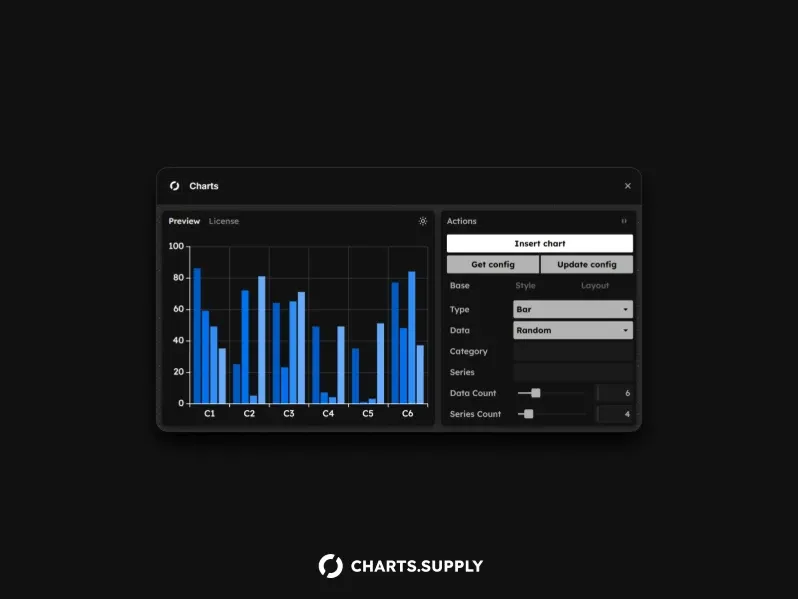
Charts adds interactive charts to your site, making it easy to present data in a clear and engaging way.
Supports:
Bar charts
Line graphs
Pie charts
Visualizes data clearly
Works on live websites
Ideal for:
Dashboards
Reports
Data-driven pages
Smartarget Popup

Smartarget Popup gives you full control over popup behavior, helping you create targeted and effective on-site interactions.
Trigger popups based on:
Page load
Exit intent
Scroll depth
Time delay
Helps increase conversions
Ideal for:
Marketing campaigns
Lead capture
Announcements
Mapbox Maps

Mapbox Maps lets you embed customizable interactive maps in your Framer site, giving you more control over design and functionality.
Powered by the Mapbox platform
Offers more flexibility than basic maps
Ideal for:
Location-based apps
Enterprise solutions
Advanced mapping use cases
Neocal Calendar Booking
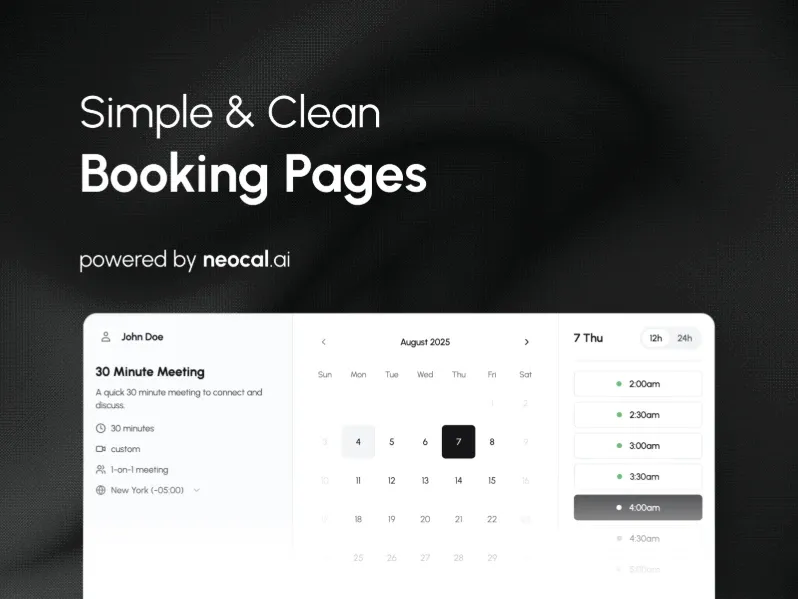
Neocal Calendar Booking adds booking and scheduling functionality to Framer, making it easy for users to book directly from your site.
Let's users self-book appointments
Streamlines scheduling workflow
Ideal for:
Consultants
Agencies
Service businesses
Cal.com

Cal.com is an open-source scheduling solution that lets you easily manage bookings and appointments on your Framer site.
Embed booking calendars into your site
Full control over branding
Flexible and customizable
Ideal for:
Developers
SaaS products
Custom scheduling systems
Smartarget Popup Forms
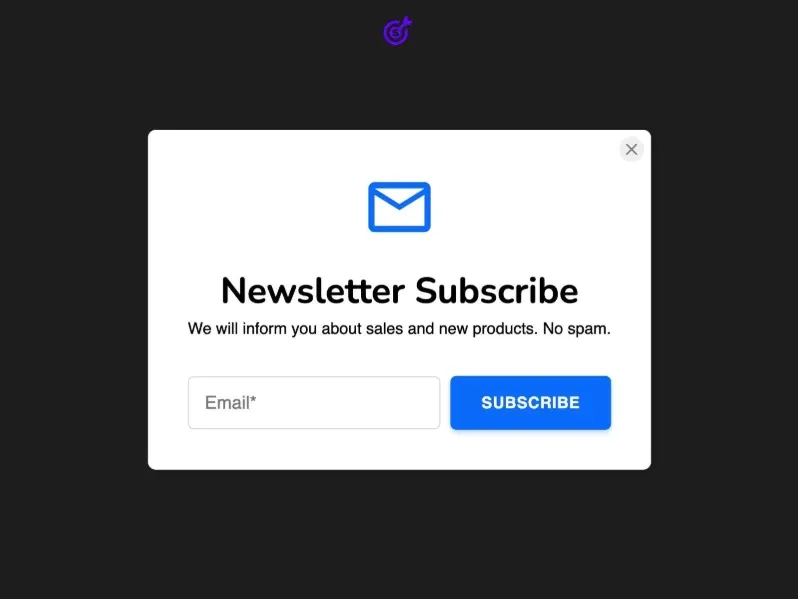
Smartarget Popup Forms combines popups with embedded forms, making it easy to capture leads and user input directly on your site.
Captures leads directly from popups
Supports multiple trigger conditions
Improves conversion rates
Ideal for:
Landing pages
Lead generation
Marketing funnels
Social Follow Bar
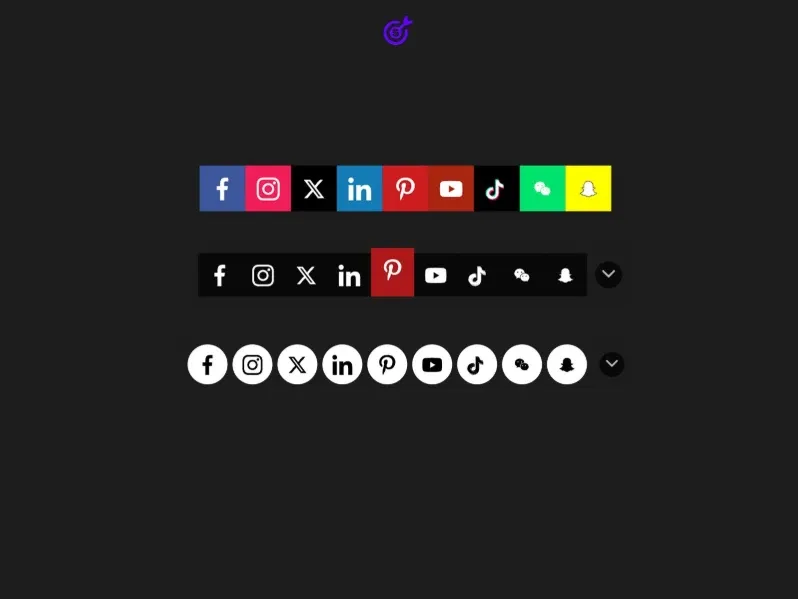
Social Follow Bar adds a social media follow bar to your site, making it easy for users to connect with you across platforms.
Customizable design and placement
Helps grow audience across platforms
Improves visibility of social profiles
Ideal for:
Creators
Brands
Content-driven sites
YouTube Playlist Player

YouTube Playlist Player lets you embed a full YouTube playlist on your site, making it easy to showcase and play multiple videos in one place.
Displays multiple videos in one place
Works directly within Framer
Ideal for:
Video creators
Educators
Media-rich websites
Enhances content consumption
SEO Framer Plugins
Search engine optimization is critical for any website, and Framer's SEO plugin category gives you the tools to audit your site, optimize your content, improve accessibility, and track your performance - all from within the Framer editor.
Search Console

Search Console connects your site to Google Search Console, helping you monitor performance and improve search visibility.
Tracks:
Impressions
Clicks
Search performance
Access data directly inside Framer
Helps monitor SEO performance
Ideal for:
SEO tracking
Performance insights
Growth analysis
Alt Text Go

Alt Text Go lets you quickly add alt text to images, improving accessibility and SEO across your site.
Improves accessibility and SEO
Works across your entire project
Saves time on manual updates
Ideal for:
Image optimization
Accessibility compliance
Alt Text Generator AI

Alt Text Generator AI uses AI to automatically create alt text for images, helping improve accessibility and SEO with minimal effort.
Creates descriptive and relevant content
One-click implementation
Improves SEO and accessibility
Ideal for:
Large image libraries
Fast optimization
Asset Manager
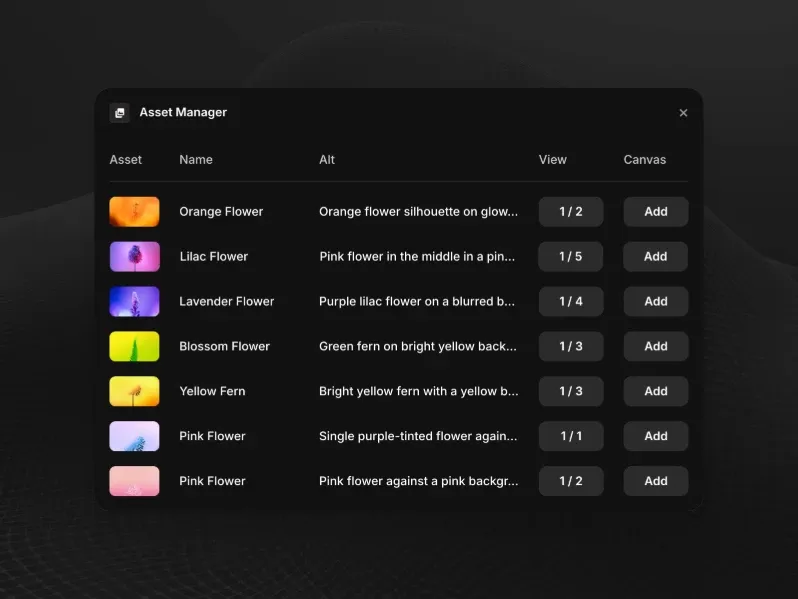
Asset Manager provides a centralized view of all your media assets, making it easier to organize and manage files in Framer.
Helps audit and manage images
Replace and optimize assets easily
Improves performance and organization
Ideal for:
Large projects
Content-heavy sites
Semflow

Semflow is a comprehensive SEO auditing tool that helps analyze and improve your site’s search performance.
Identifies issues and suggests fixes
Helps with keyword targeting
Provides an SEO score for each page
Ideal for:
SEO optimization
Keyword strategy
Site audits
VideoFrame
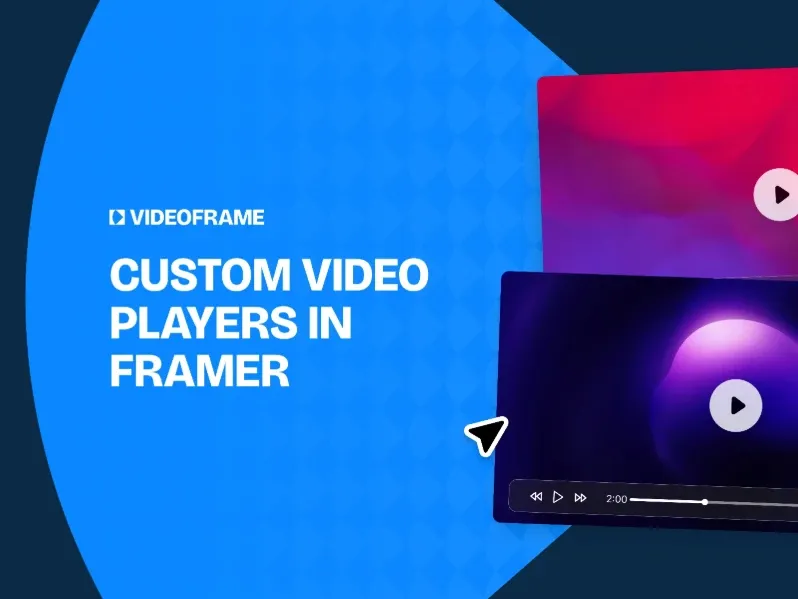
VideoFrame adds structured data for video content, helping improve visibility and SEO for your videos on the web.
Helps search engines index videos properly
Improves visibility in search results
Enhances video SEO
Ideal for:
Video content sites
Media platforms
SEObot
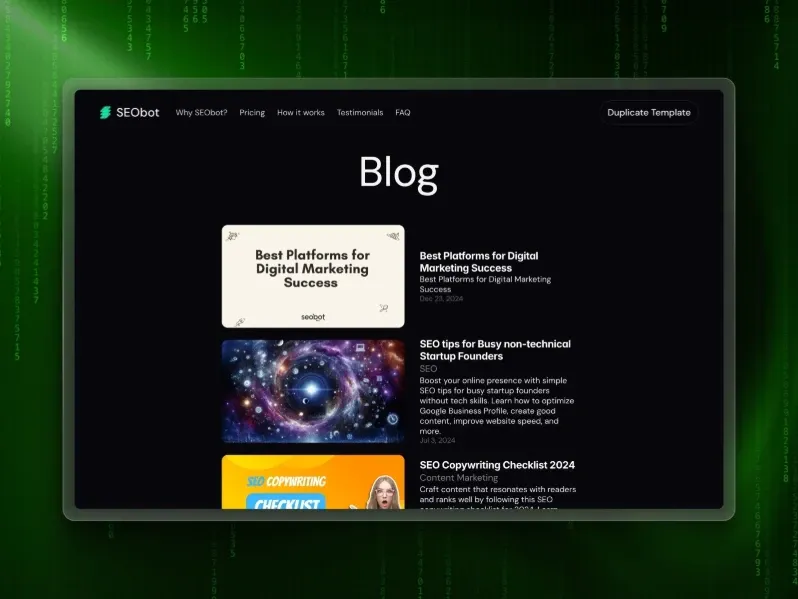
SEObot continuously monitors your SEO performance, helping you track and improve your site’s search visibility over time.
Detects issues automatically
Sends alerts when problems arise
Acts like an always-on SEO assistant
Ideal for:
Ongoing optimization
Maintenance workflows
Color Gen
Color Gen generates brand-consistent color palettes, helping you quickly create cohesive and visually balanced designs
Includes contrast checking
Supports WCAG accessibility standards
Helps maintain visual consistency
Ideal for:
Design systems
Accessible UI design
SpeedLens
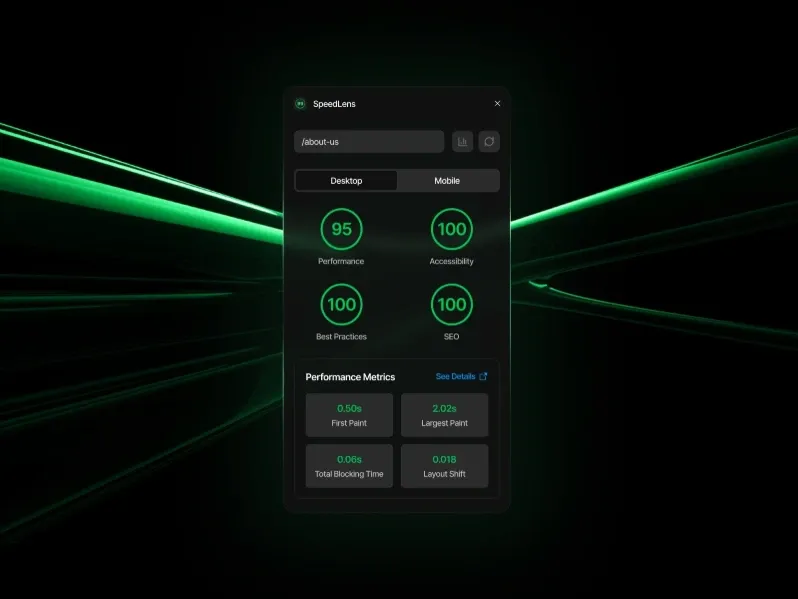
SpeedLens analyzes your site’s performance, helping you identify issues and optimize for faster load times.
Provides actionable speed improvements
Helps optimize loading time
Supports SEO ranking factors
Ideal for:
Performance optimization
Core Web Vitals improvement
Color Contrast
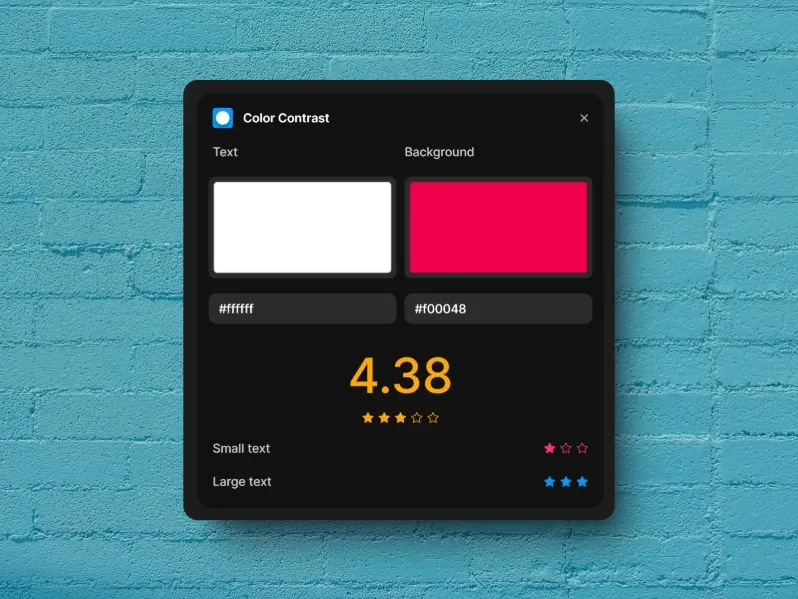
Color Contrast checks color contrast for accessibility, helping ensure your designs meet readability and usability standards.
Ensures readability across UI elements
Follows WCAG standards
Helps create inclusive designs
Ideal for:
Accessibility compliance
UI readability
Auto Alt Text
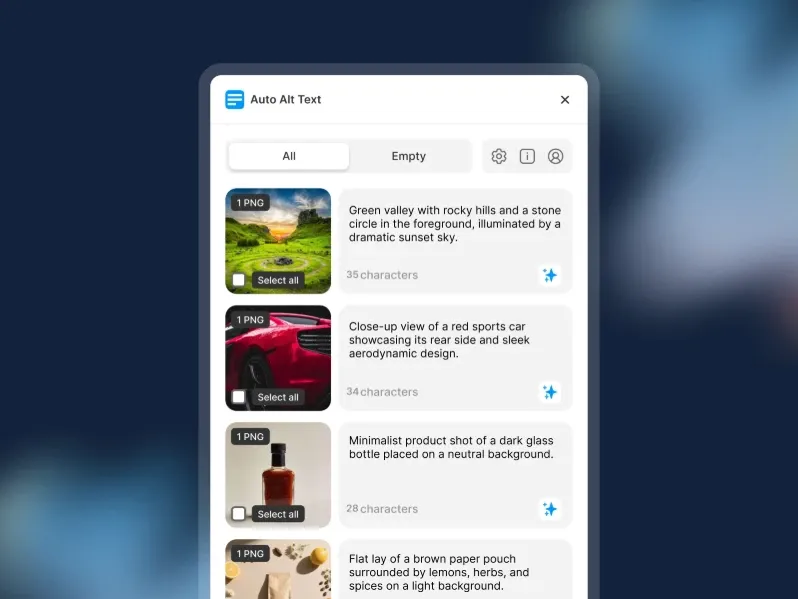
Auto Alt Text automatically generates alt text for images, helping improve accessibility and SEO with minimal effort.
Works across your entire Framer project
Improves accessibility compliance (WCAG)
Saves time on manual writing
Enhances SEO performance
Ideal for:
Image-heavy websites
Accessibility optimization
Faster workflows
Optiscope
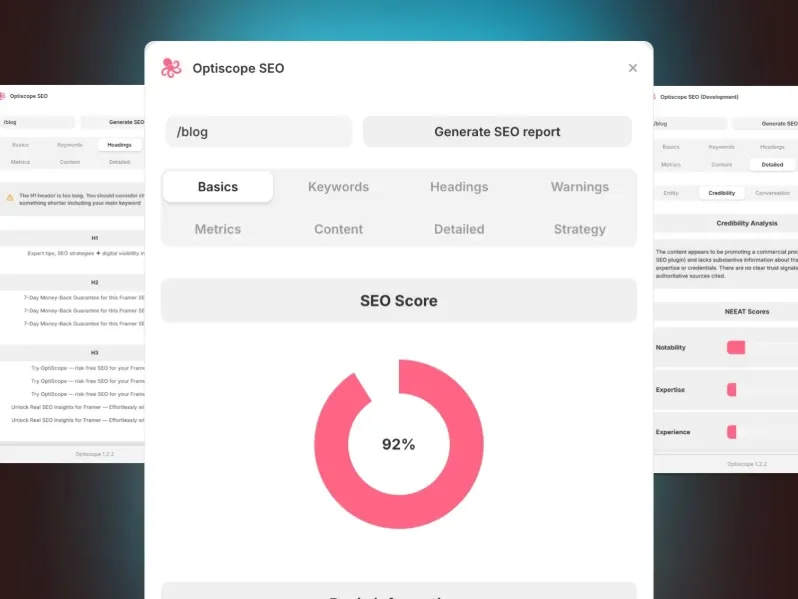
Optiscope provides detailed performance diagnostics, helping you analyze and optimize your site for better speed and efficiency.
Identifies bottlenecks in your site
Suggests improvements for better performance
Helps optimize Core Web Vitals
Improves loading speed and user experience
Ideal for:
Performance tuning
SEO improvements
Technical optimization
UI Kits Framer Plugins
UI Kit plugins give Framer designers access to pre-built, production-quality components and animations that dramatically speed up the design process. From animated Rive components to glassmorphic cards, these plugins help you build beautiful interfaces in a fraction of the time.
Rive

Rive lets you embed interactive animations into Framer, making your designs more dynamic and engaging.
Created using the Rive tool
Lightweight and performance-friendly
Fully responsive and interactive
Better alternative to GIFs and videos
Ideal for:
UI animations
Micro-interactions
Interactive elements
FrameBlox

FrameBlox offers a library of ready-to-use UI blocks, helping you quickly build and design pages in Framer.
Includes:
Headers
Feature sections
Testimonials
Pricing tables
Fully customizable to your brand
Speeds up page building
Ideal for:
Landing pages
Rapid prototyping
UI systems
Kompa
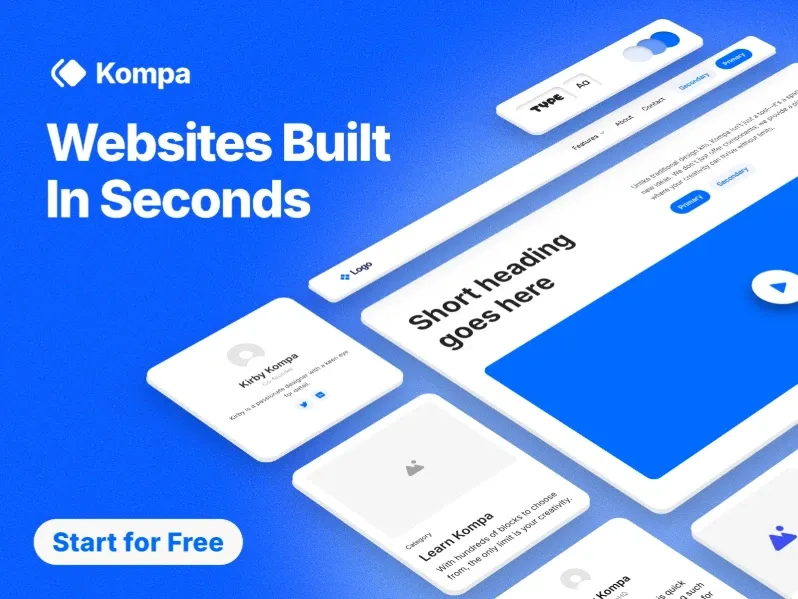
Kompa is a curated library of Framer components, making it easy to find and use high-quality UI elements in your projects.
Clean and modern design styles
Provides a strong starting point for projects
Reduces design time
Ideal for:
Designers
Quick builds
Consistent UI
Core Icons by Streamline
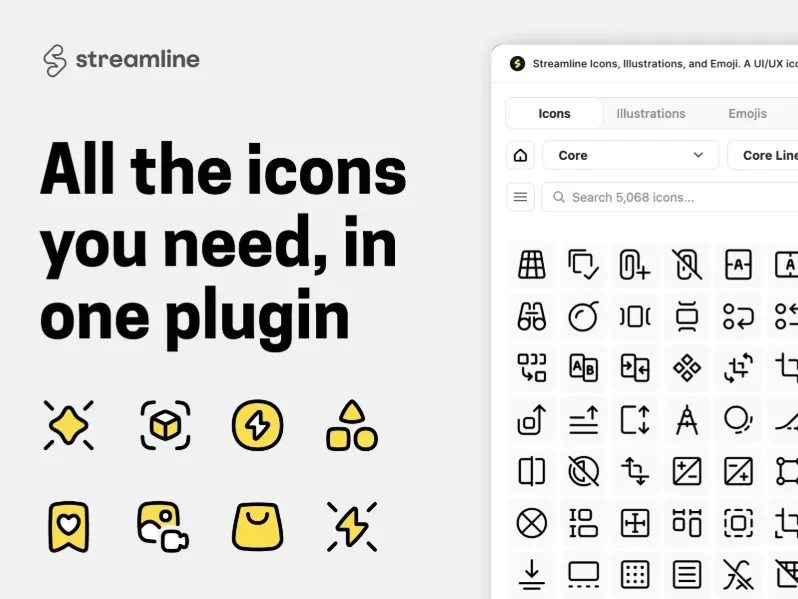
Core Icons gives you access to the premium Streamline icon library, offering high-quality icons for polished UI designs.
Thousands of icons across multiple categories
Consistent and high-quality design
Enhances UI clarity and polish
Ideal for:
Professional UI design
Scalable design systems
Code Versions
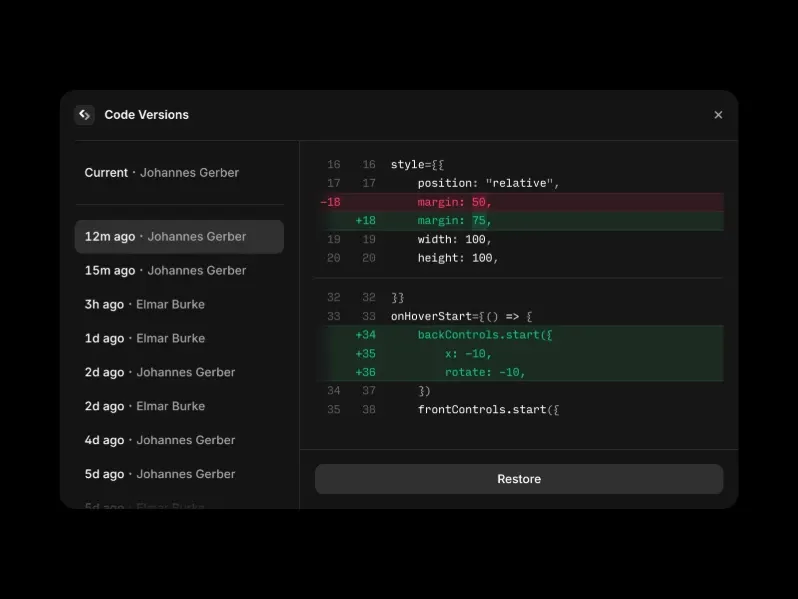
Code Versions manages multiple versions of components, making it easier to track changes and maintain your design system.
Easily experiment and iterate
Roll back to previous versions anytime
Improves development workflow
Ideal for:
Teams
Complex projects
Iterative design
Flippy
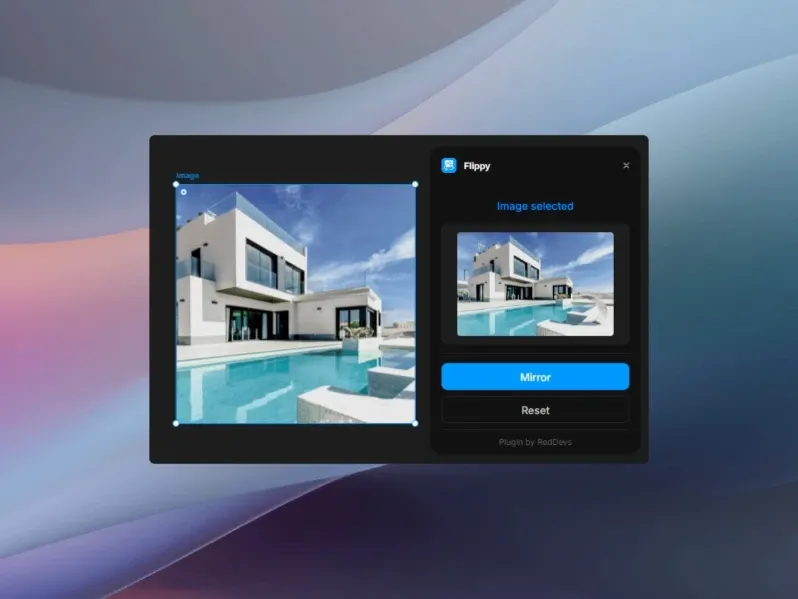
Flippy adds smooth card flip animations to Framer, helping create more interactive and engaging UI experiences.
Enhances interactivity in UI
Easy to apply and customize
Ideal for:
Product showcases
Team sections
Content reveals
Scroll Animator
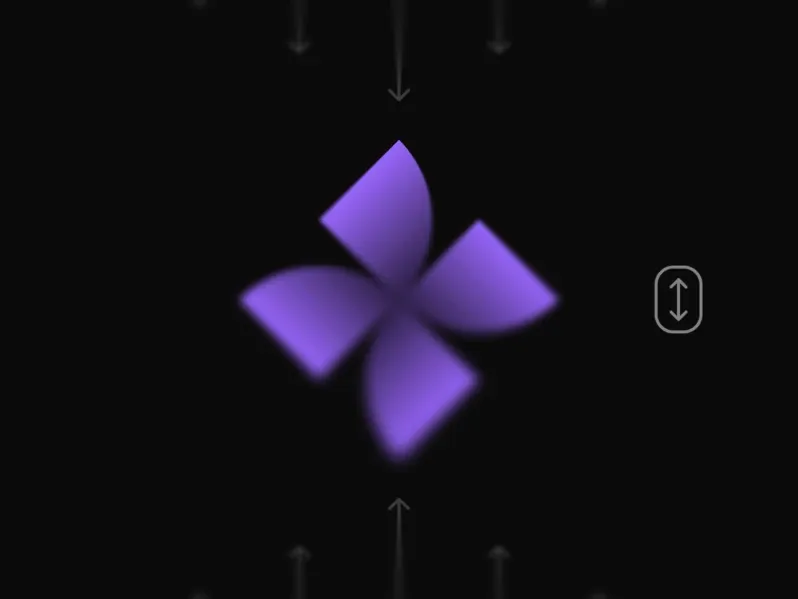
Scroll Animator adds animations triggered by scroll, making your Framer experiences more dynamic and engaging.
No coding required
Creates dynamic page experiences
Improves user engagement
Ideal for:
Landing pages
Storytelling sections
Interactive layouts
Glass Material

Glass Material adds realistic glassmorphism effects to your designs, helping create modern and visually appealing UI elements.
Includes:
Frosted glass overlays
Blurred backgrounds
Translucent cards
Enhances modern UI aesthetics
Works directly with Framer
Ideal for:
Modern interfaces
Hero sections
Premium UI design
Framify
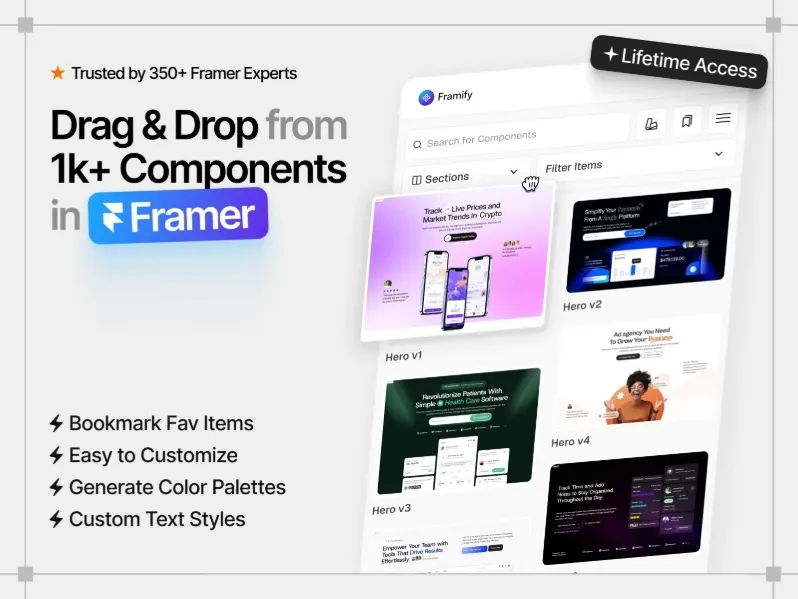
Framify provides a complete UI component system, helping you build consistent and scalable designs in Framer.
Includes:
Buttons
Form elements
Navigation menus
Designed for building full layouts
Ensures consistency across designs
Ideal for:
Design systems
Scalable projects
Rapid UI building
FramerCursor
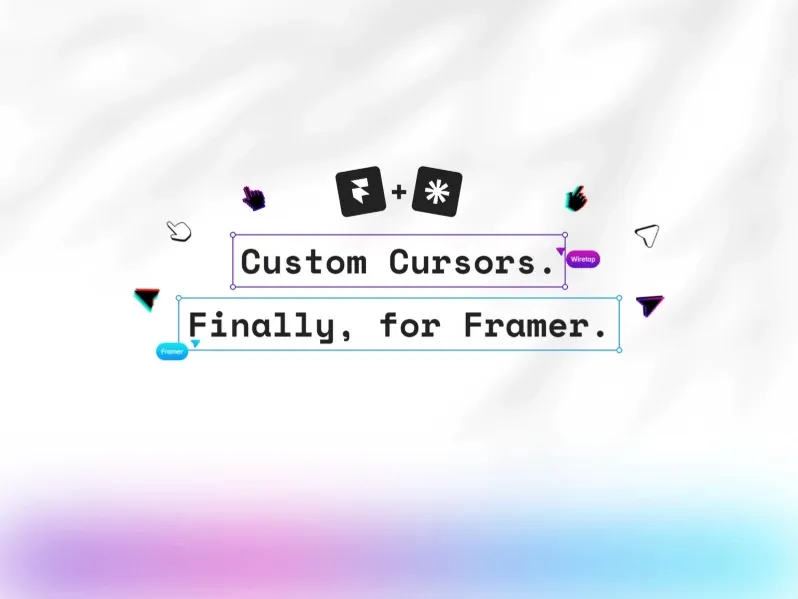
FramerCursor replaces the default cursor with a custom design, helping you create a more unique and interactive user experience.
Adds interactive cursor behavior
Reacts to different elements on hover
Enhances brand identity
Ideal for:
Creative websites
Portfolios
Premium experiences
Photozy
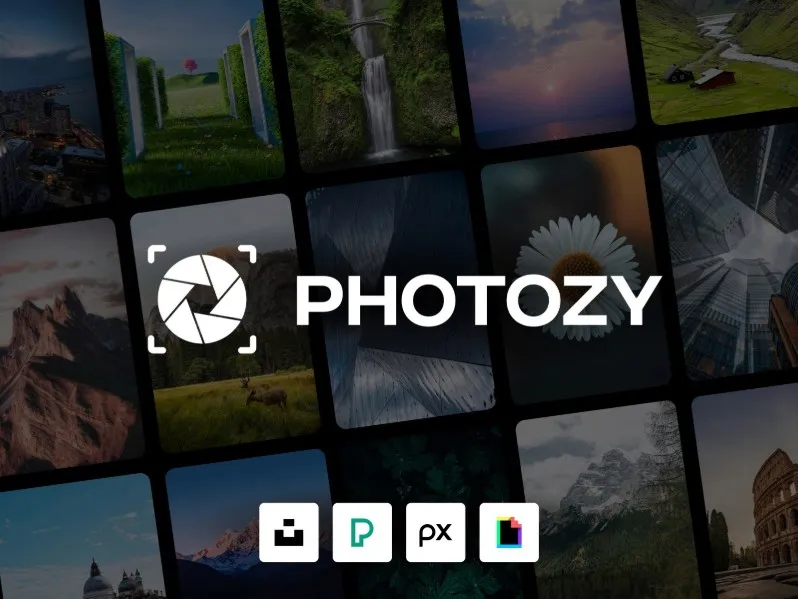
Photozy provides ready-to-use photo components, making it easy to add and manage image-based layouts in your Framer projects.
Includes:
Galleries
Carousels
Lightboxes
Photo cards
Easy to integrate into layouts
Ideal for:
Photography sites
Portfolios
Media-heavy designs
Bookla
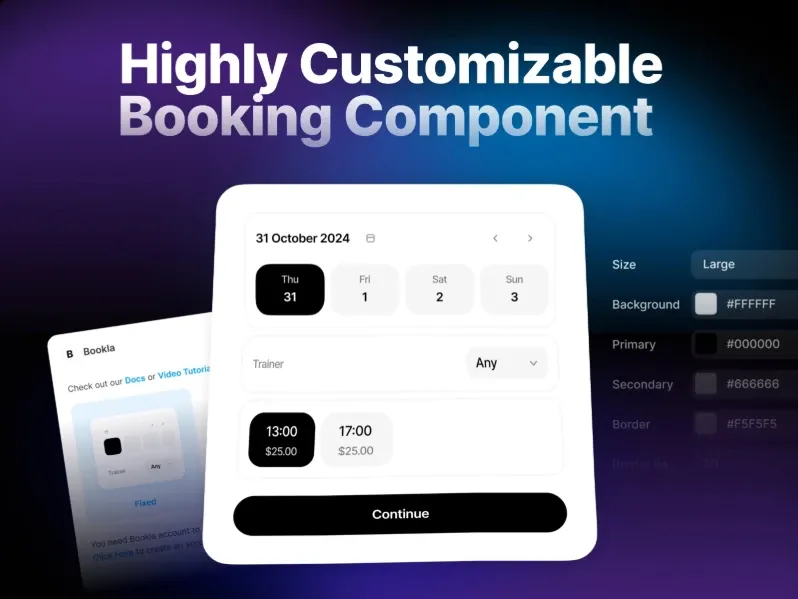
Bookla is a UI kit for booking and reservation interfaces, helping you quickly design scheduling and booking experiences in Framer.
Includes:
Calendar pickers
Time slot selectors
Confirmation flows
Designed for seamless user experience
Ideal for:
Booking systems
Service websites
Scheduling interfaces
Utilities Framer Plugins
The Utilities category is home to Framer plugins that handle the everyday tasks designers encounter — editing images, managing colors, renaming layers, working with 3D models, and more. These are the Swiss Army knife plugins of the Framer ecosystem.
Effects
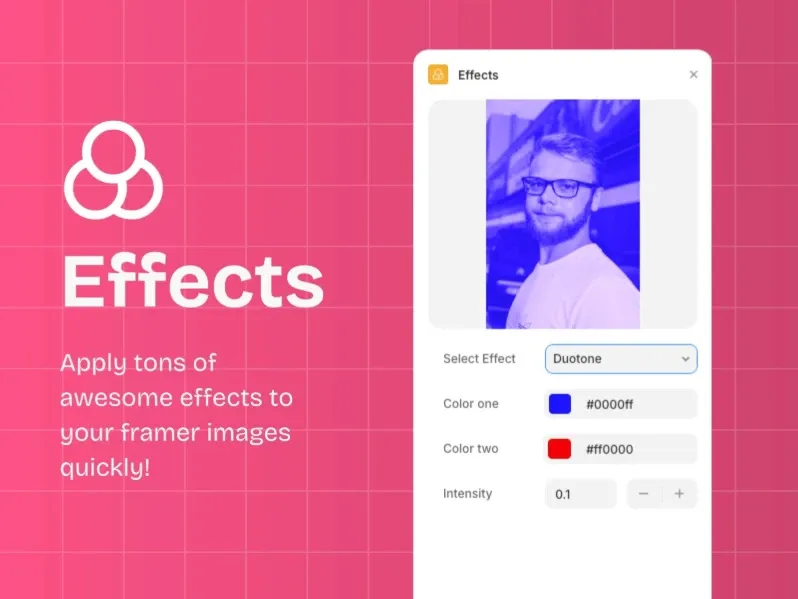
Effects adds a collection of visual effects to your canvas, helping enhance and elevate your Framer designs.
Includes:
Glitch
Noise
Grain
Distortion
Creates a unique, handcrafted aesthetic
Enhances visual storytelling
Ideal for:
Creative designs
Experimental visuals
Branding
Renamer

Renamer lets you rename multiple layers at once, making it easier to organize and manage your Framer projects.
Supports:
Find and replace
Numbering sequences
Custom naming patterns
Keeps projects organized and clean
Saves time on manual renaming
Ideal for:
Large projects
Design systems
Structured workflows
Angled Screen
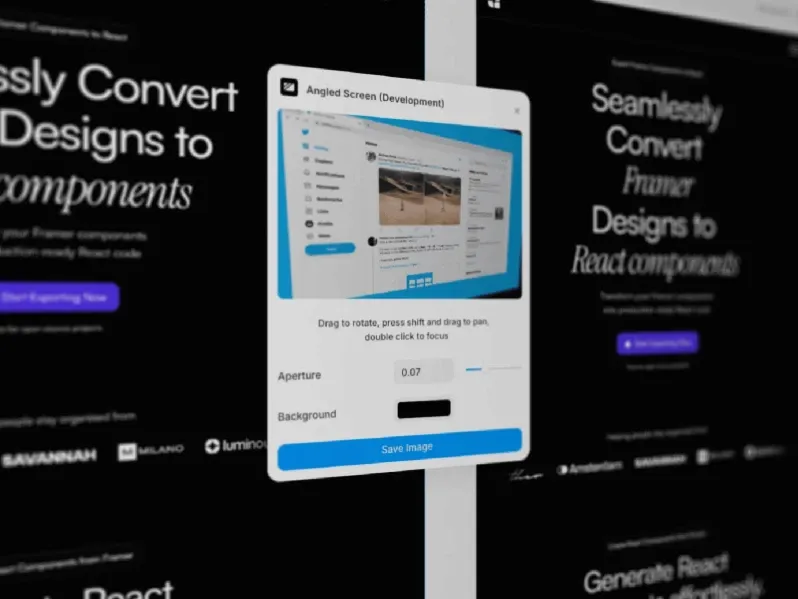
Angled Screen creates perspective device mockups, helping you present your designs more dynamically and realistically.
Showcases designs in realistic screens
Works directly inside Framer
No need for external mockup tools
Ideal for:
Presentations
Case studies
Portfolio displays
Colorize
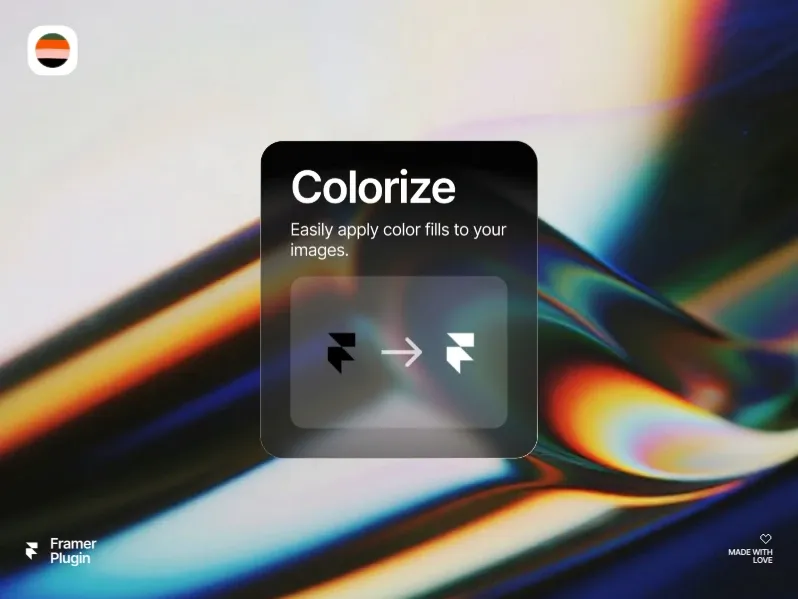
Colorize uses AI to add color to black-and-white images, helping bring old or monochrome visuals to life.
Works with grayscale visuals
Great for:
Historical photos
Sketches
Wireframes
Adds creative and visual depth
Quick and easy to use
Image Downloader
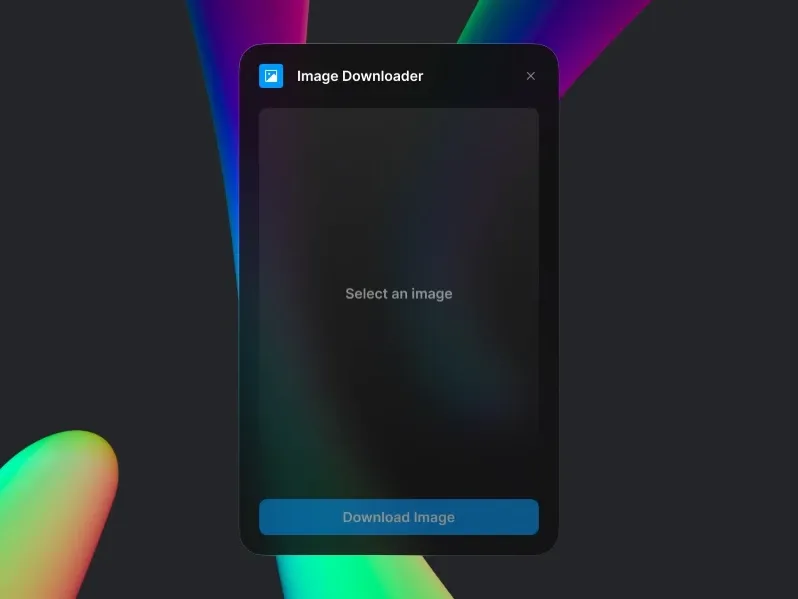
Image Downloader lets you download images directly from your canvas, making it quick and easy to save visual assets.
One-click extraction of assets
No need for external tools
Useful for:
Exporting assets
Reusing visuals
Managing imports
Image Flip
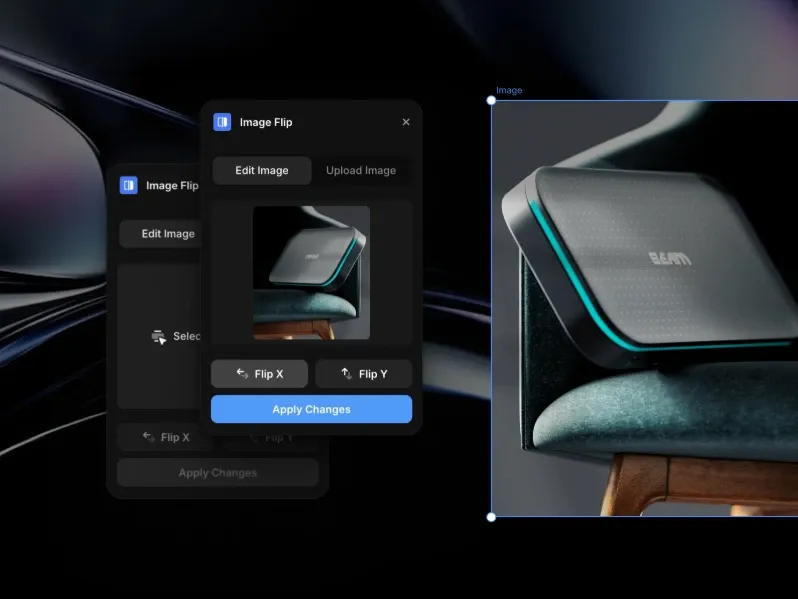
Image Flip lets you flip images horizontally or vertically, making it easy to adjust orientation directly in Framer.
Create symmetrical compositions
Useful for quick visual adjustments
Ideal for:
Mockups
Layout balancing
Creative edits
BrushFlow
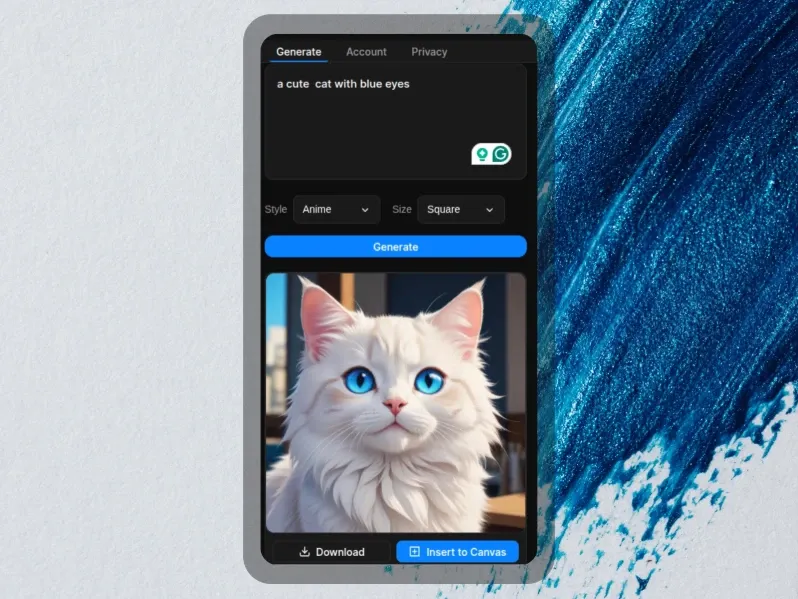
BrushFlow adds freehand drawing capabilities to Framer, allowing you to sketch and create directly on the canvas.
Sketch ideas directly on canvas
Annotate designs easily
Ideal for:
Brainstorming
Wireframing
Creative elements
Photopea
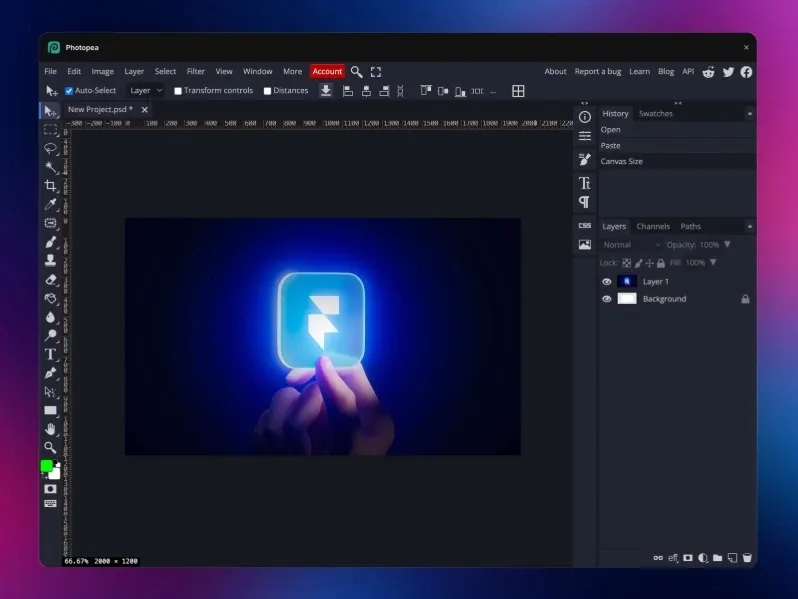
Photopea is a full-featured photo editor inside Framer, giving you powerful image editing tools without leaving the canvas.
Photoshop-like capabilities
Supports:
Layers
Filters
Masks
Edit and export without leaving the editor
Ideal for:
Advanced image editing
Asset refinement
TypeSystem
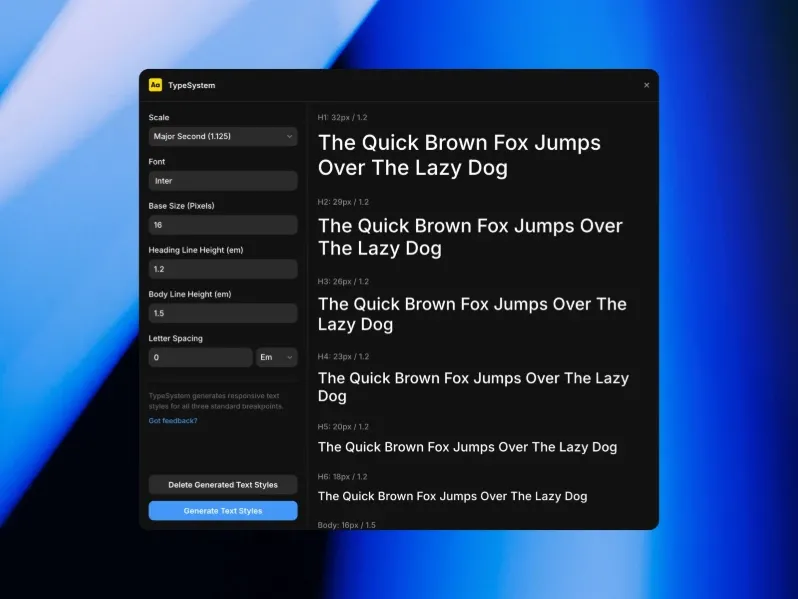
TypeSystem manages typography systems in Framer, helping you maintain consistent text styles across your designs.
Maintains consistent text styles
Supports scale and hierarchy setup
Improves readability and structure
Ideal for:
Design systems
Content-heavy projects
Image Color Inverter
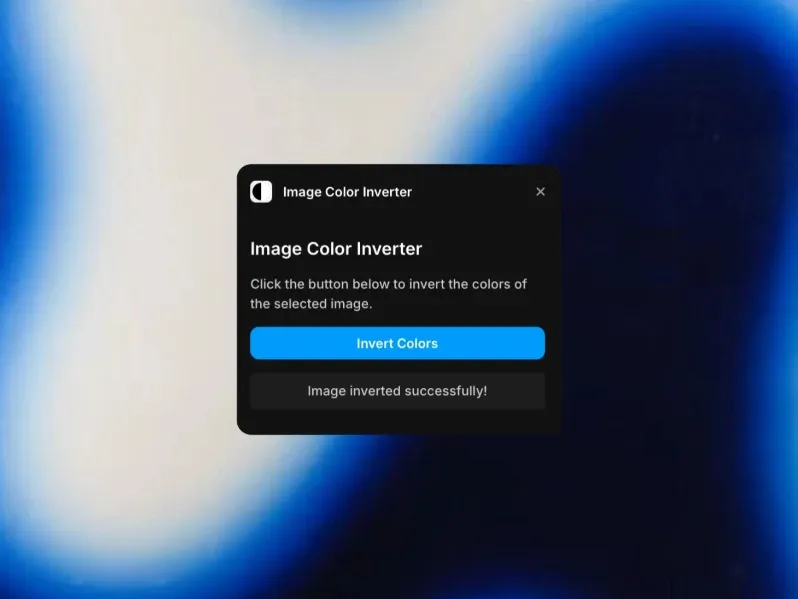
Image Color Inverter inverts the colors of any image, making it easy to create negative or high-contrast visual effects.
Creates negative-style visuals
Converts light images to dark variants
Useful for creative and theme adjustments
3D Model
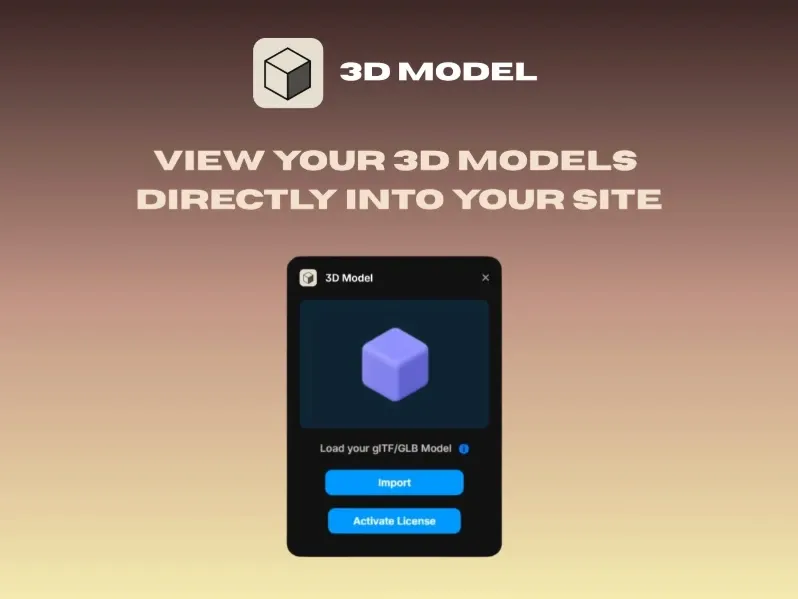
3D Model helps you import and embed 3D models in Framer, making it easy to add interactive and immersive visuals to your designs.
Adds interactive 3D elements
Enhances visual engagement
Ideal for:
Product showcases
Portfolios
Interactive experiences
Eleveight Supply
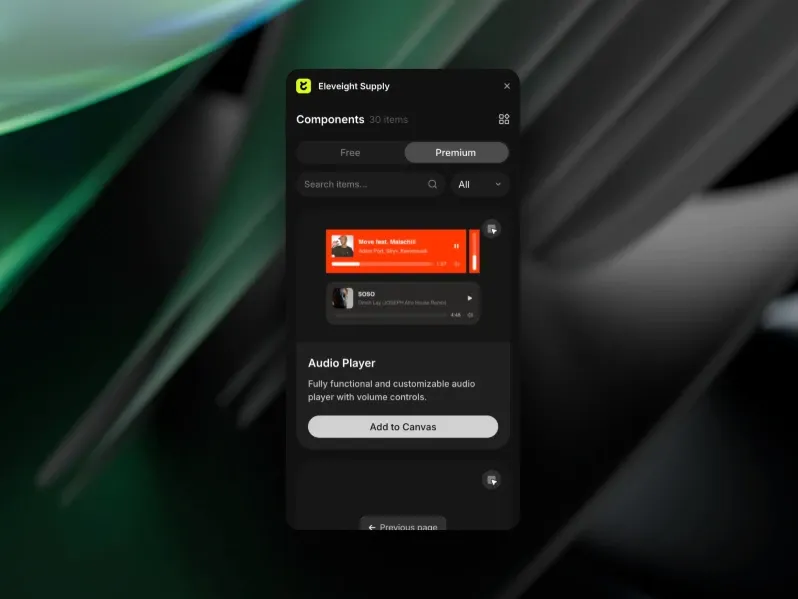
Eleveight Supply provides a curated design asset pack, helping you quickly access high-quality resources for your Framer projects.
Includes:
Textures
Backgrounds
Graphic elements
Ready-to-use resources
Speeds up design workflow
Ideal for:
Creative projects
Visual enhancement
How to Install and Use Framer Plugins
Installing any Framer plugin takes less than thirty seconds. Here is how:
Open your Framer project in the editor.
Click the Plugin icon in the left sidebar (it looks like a puzzle piece).
Browse or search the Framer Marketplace directly inside the editor.
Click 'Open Plugin' or 'Install' on any plugin you want to use.
The plugin will appear in your plugin panel, ready to use immediately.
Most Framer plugins are free or offer a free tier, with paid plans for advanced features. Pricing varies by plugin creator and is clearly listed on each plugin's marketplace page.
Conclusion:
Framer plugins transform Framer from an already powerful design tool into a complete website-building, content management, and e-commerce platform. Whether you are a solo designer building portfolios, a startup launching a product site, or a marketing team managing a content-heavy website, there are Framer plugins that will make your work faster, smarter, and more polished.
The Framer Marketplace continues to grow rapidly, with new plugins added every week. Bookmark the marketplace and check back regularly - the next plugin you discover might become your most-used tool in the entire Framer ecosystem.
If you found this guide helpful, share it with a fellow Framer designer. And if you have a favourite Framer plugin that was not on our list, let us know in the comments below.


