How to create mouse scroll animation in Framer ?
Learn how mouse scroll animation works in Framer and explore different scroll effects, including scroll reveals, parallax, transforms, and advanced interactive experiences.

Introduction to Mouse Scroll Animation in Framer
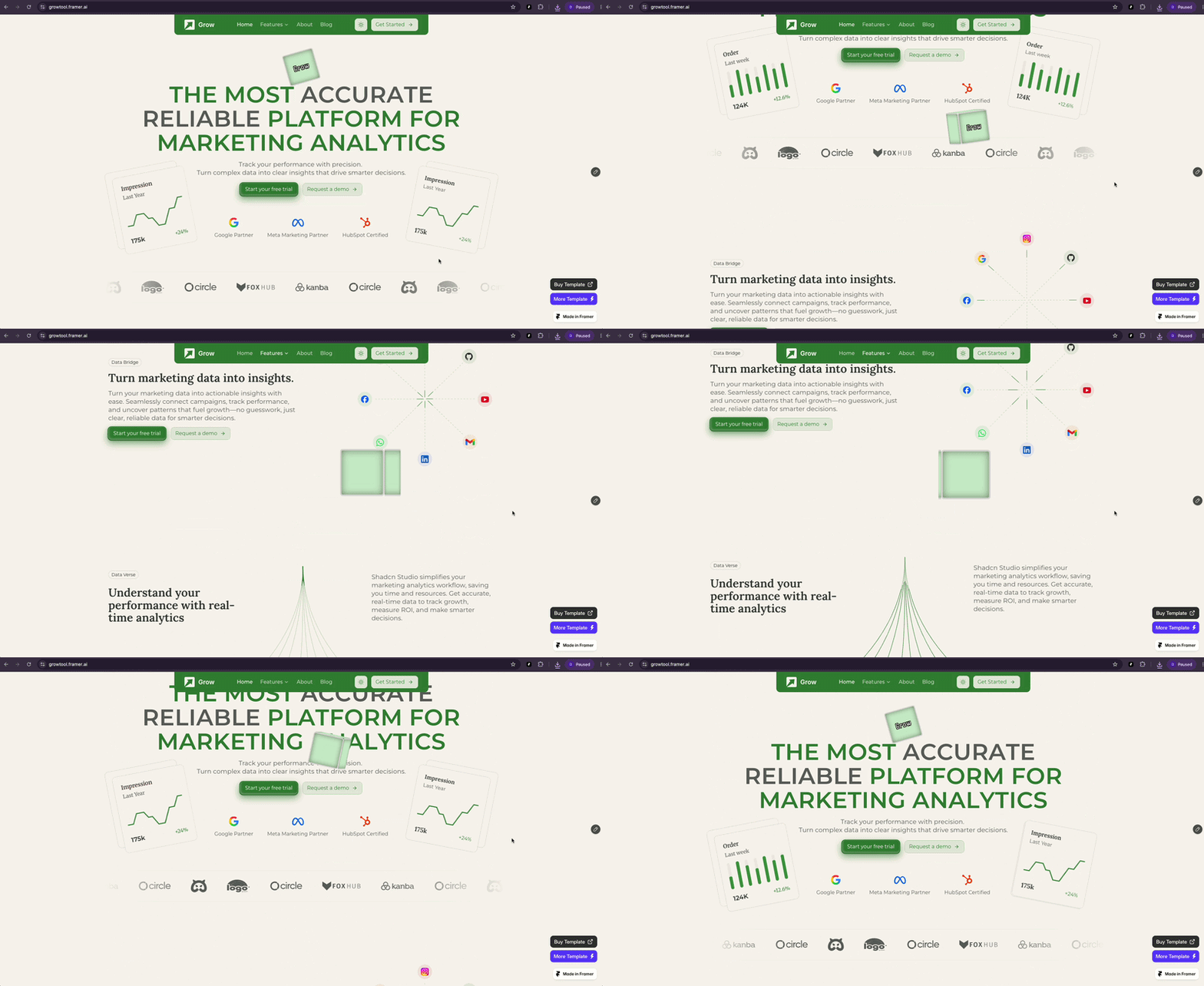
Scrolling has always been one of the most basic interactions on the web. Traditionally, users simply moved down a page to read more content. However, modern websites have transformed scrolling into a complete visual experience where every movement can trigger animations, reveal information, and guide users through a story.
Today, many premium websites use scroll-based animations to create a more engaging experience. Elements move smoothly, images transform, sections reveal themselves, and content appears at the right moment based on user interaction.
One of the simplest examples of this interaction is a mouse scroll animation. You have probably seen a small animated mouse icon at the bottom of a hero section that indicates users should scroll down. While the mouse icon itself is only a visual cue, the idea behind it represents something much bigger - creating a connection between user scrolling and website movement.
Framer makes it possible to create these experiences without complex development. Designers can use built-in scroll animations for simple interactions, while advanced users can create reusable code components for more customized and powerful experiences.
In this article, we’ll explore what mouse scroll animation means, different types of scroll animations in Framer, how to create them using Framer’s visual tools, and how code components can help build advanced scroll interactions.
What Is Mouse Scroll Animation?
A mouse scroll animation is a visual interaction that communicates scrolling behavior to website visitors. It is commonly placed in the hero section of a website to show users that more content is available below.
The most recognizable example is a small mouse-shaped indicator with an animated inner wheel. The movement suggests the natural action of scrolling and encourages visitors to continue exploring the page.
However, mouse scroll animation is not limited to only the mouse icon. The term is often used to describe a broader category of scroll-based interactions where user scrolling controls what happens on the screen.
For example:
A mouse indicator disappears when the user starts scrolling
Text moves into position
Images scale or transform
New sections appear gradually
Videos change based on scroll progress
The mouse icon is simply the starting point. The real focus is creating a smooth relationship between user action and visual response.
Why Use Scroll Animation in Website Design?
1. Improve User Experience
A website is not only about presenting information. It is also about guiding users through a journey.
When visitors land on a page, they need to understand where to look and what action to take next. Scroll animations help create this natural flow by visually connecting different sections.
For example, a product website might start with a hero section and then guide users through:
Product introduction
Features
Technical details
Customer benefits
Final call-to-action
Instead of showing everything immediately, scrolling becomes part of the experience.
2. Create Visual Storytelling
Modern websites often use scrolling as a storytelling technique rather than simply treating it as a way to move from one section to another. Instead of displaying all the information at once, designers can progressively reveal content as users scroll, creating a more engaging and interactive experience.
For example, as a user scrolls down the page, a product image can gradually move closer into focus while a feature description appears alongside it. As the user continues scrolling, another visual transition can begin, smoothly connecting one part of the story to the next. This approach allows designers to control the pace at which information is presented while making the scrolling experience feel more natural and immersive.
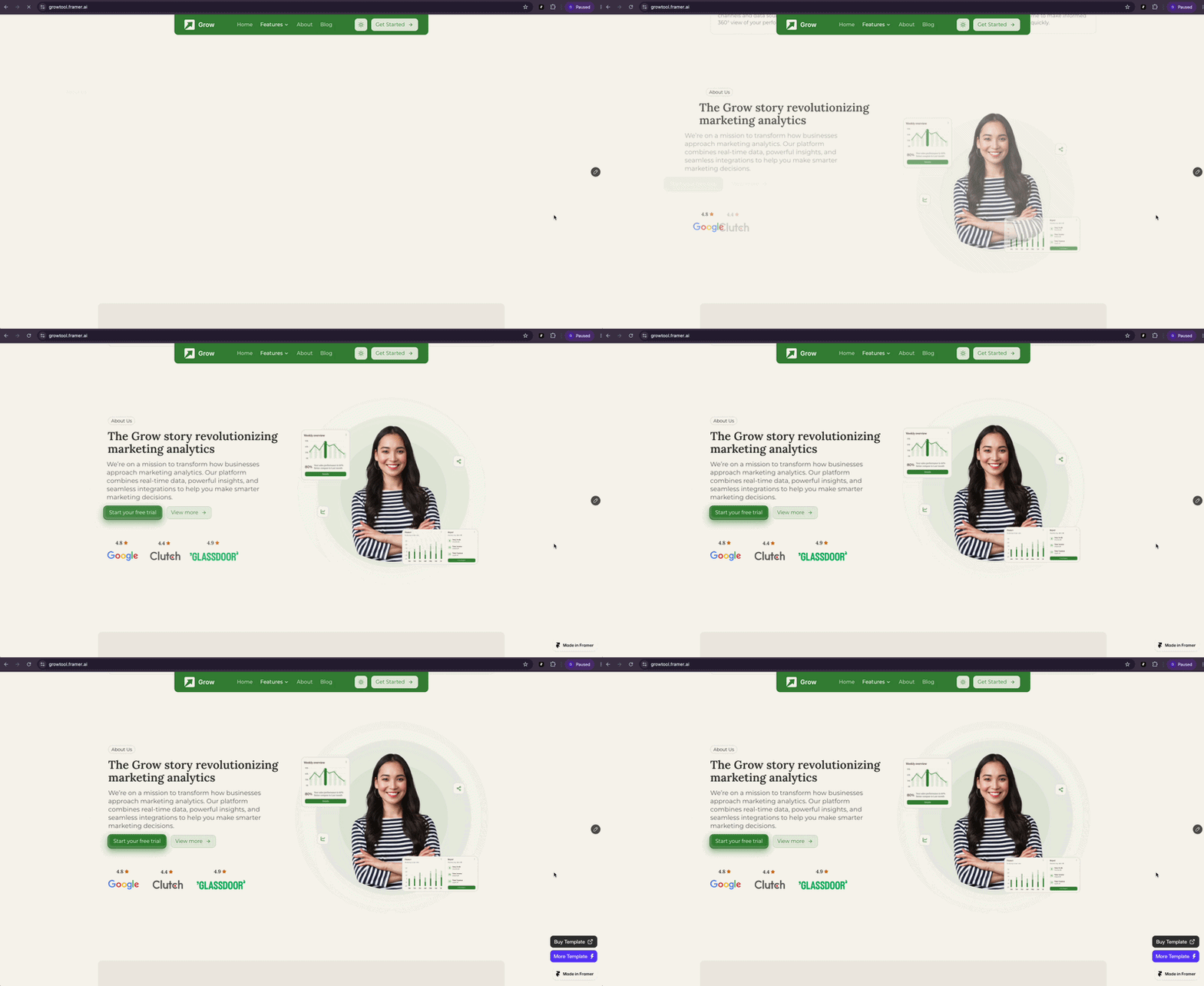
This approach creates a more immersive experience because users actively participate in discovering the content.
3. Make Websites Feel More Premium
Small interactions can have a big impact on how users perceive a website.
Smooth scrolling, subtle transitions, and carefully timed animations create a feeling of quality and attention to detail.
Many premium websites use scroll animations because they make digital experiences feel more natural and engaging.
However, good animation is not about adding movement everywhere. The goal is to support the content and improve usability.
Different Types of Scroll Animations in Framer
Framer provides many possibilities for creating scroll-based experiences. Depending on the purpose of your website, you can use different animation styles.
1. Scroll Indicator Animation
This is the simplest and most common type of scroll animation.
It usually appears in the hero section and helps users understand that they should continue scrolling.
Common examples:
Animated mouse scroll indicator
Scroll arrow
Moving progress line
This type of animation works well for:
Portfolio websites
Agency websites
Landing pages
Creative websites
The main goal is guidance rather than creating a complex interaction.
2. Scroll Reveal Animation
Scroll reveal animations make content appear as users move through the page.
Common effects include:
Fade in
Slide up
Scale transition
Blur removal
For example, a card section may start hidden and gradually appear when it enters the viewport.
This style is commonly used in:
SaaS websites
Marketing pages
Blog layouts
Product showcases
Scroll reveal animations help create a smoother transition between sections.
3. Parallax Scroll Animation
Example : https://growtool.framer.ai/
Parallax animation creates a sense of depth by making different elements on a webpage move at different speeds as the user scrolls. Instead of every element moving together at the same pace, the background can move more slowly while foreground elements move faster, creating the impression that each layer exists at a different distance from the viewer.
Parallax effects are often used in:
Brand websites
Creative agencies
Portfolio websites
Storytelling pages
When used correctly, parallax can make a flat design feel more dynamic.
4. Scroll Transform Animation
Example : https://clipfolio.framer.website/
Scroll transform animations connect the user’s scrolling directly to the properties of elements on the page, allowing those elements to gradually change as the page moves. Instead of an animation simply playing on its own, the movement is controlled by the user’s scroll position, making the interaction feel more responsive and immersive.
This technique is widely used in product landing pages, interactive portfolios, and storytelling websites where scrolling is an important part of the overall experience.
5. Scroll-Based Video Animation
Some advanced websites use scrolling to control video playback.
Instead of a normal autoplay video, scrolling controls the animation timeline.
Common examples:
Product rotations
3D animations
Car showcases
Technology demonstrations
This creates a cinematic experience where users feel like they are controlling the presentation.
Sticky Scroll Sections
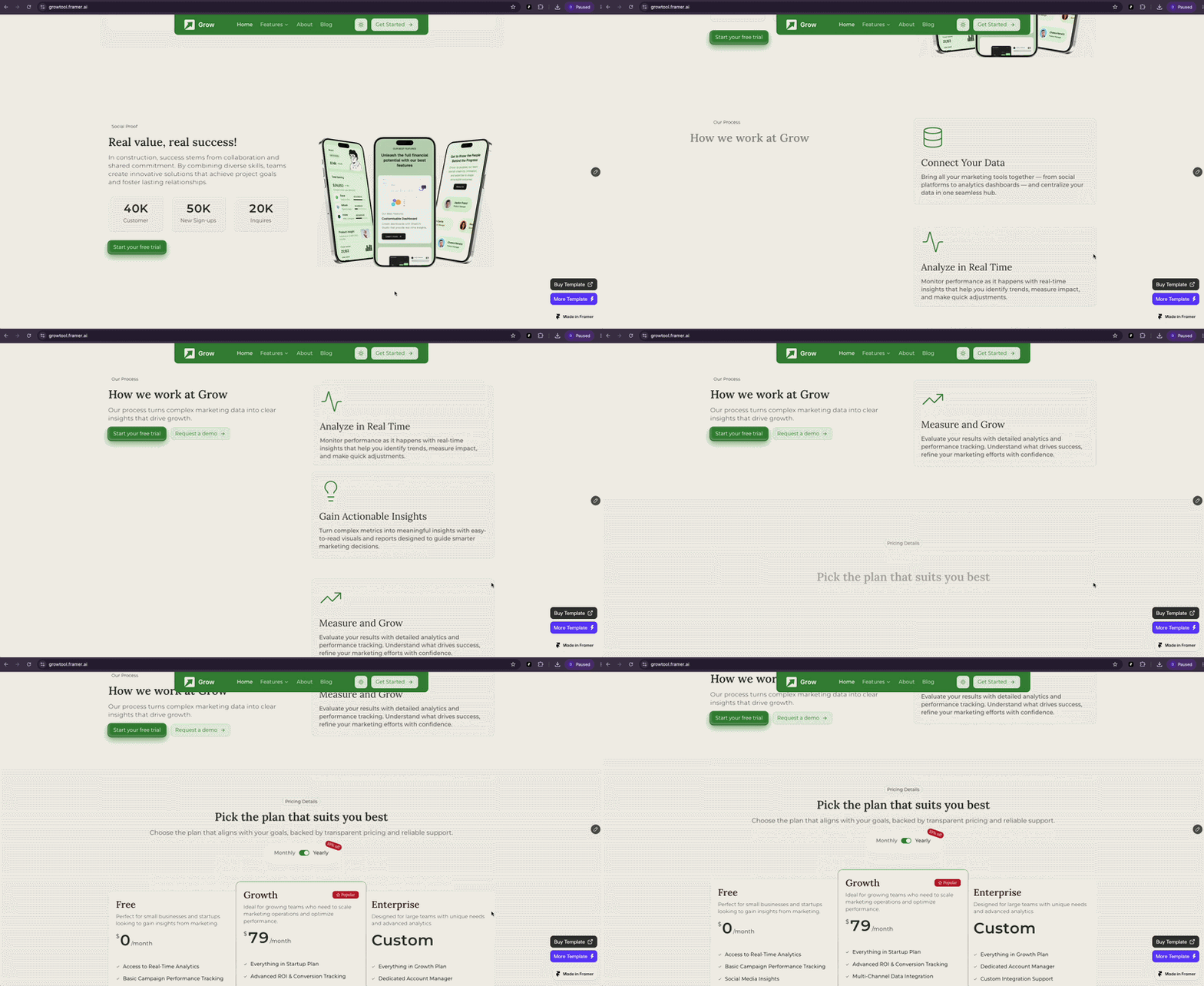
Sticky sections keep certain elements fixed while other content changes.
This technique is useful for:
Presentations
Product launches
Interactive landing pages
Image Sequence Animation

Instead of moving one image, you can display multiple frames based on scroll position.
This creates effects similar to product videos.
Common examples:
3D objects
Cars
Devices
Hardware products
Conclusion
Mouse scroll animation is a simple example of how scrolling can become an interactive experience. While the animated mouse indicator is often used as a visual cue, the real power comes from connecting user scrolling with meaningful motion.
Framer provides designers and developers with multiple ways to create these experiences. Simple scroll indicators can be built using visual tools, while advanced interactions can be created with reusable code components.
Whether you are creating a portfolio website, SaaS landing page, or product experience, scroll animation can help guide users, improve storytelling, and create a more engaging interface.
The best scroll animations are not the ones that move the most. They are the ones that make the user journey feel natural, intuitive, and memorable.


